[Windows]: VK Play Игровой центр
Nadie ha tomado este issue todavía.
Evaluación
- Dificultad
- 4/5
- Tiempo estimado
- 3-5 días
- Aptitud para principiantes
- 30/100
- Tipo de issue
- Error
- Claridad
- Necesita aclaración
- Estado de actividad
- Activo
- Área
- networking
Línea de trabajo
Reproduce on Windows with AdGuard for Windows 8.1 nightly installed and VK Play's GameCenter.exe downloading a game until it hangs; compare behaviour with traffic routing enabled vs. disabled and with the SockFilter network driver. The reporter suggests an entry in route_exclusions_apps.json, so read how existing application exclusions in that file are structured and confirm the executable name it would key on. Done means either a verified exclusion entry for GameCenter.exe or a maintainer conclusion that the freeze is a driver-level conflict and the report gets routed elsewhere.
Escrito por el modelo de indexación a partir del texto del issue.
Descripción
Application Name
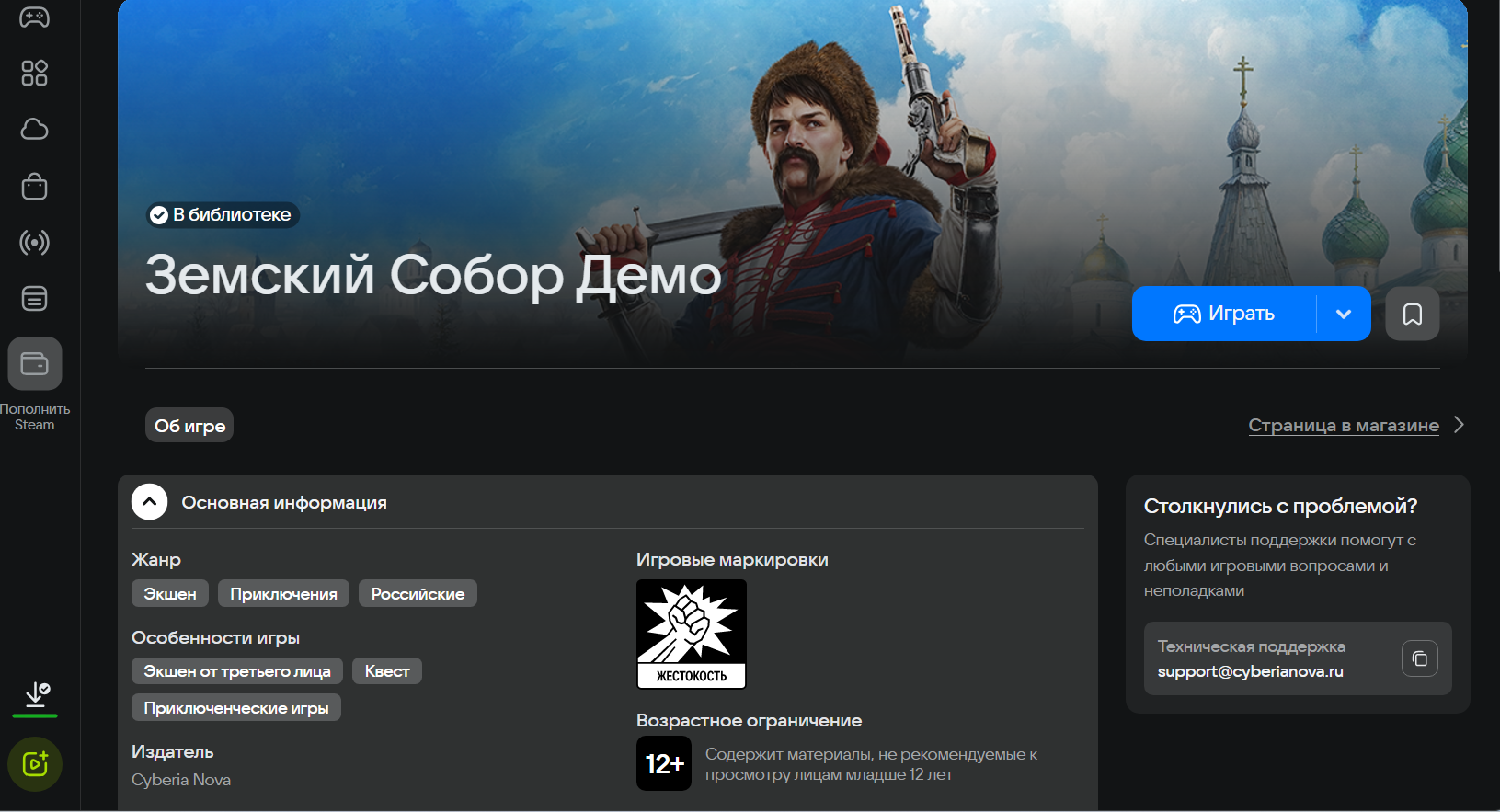
VK Play Игровой центр
Application Executable Name
GameCenter.exe
Troubleshooting Result
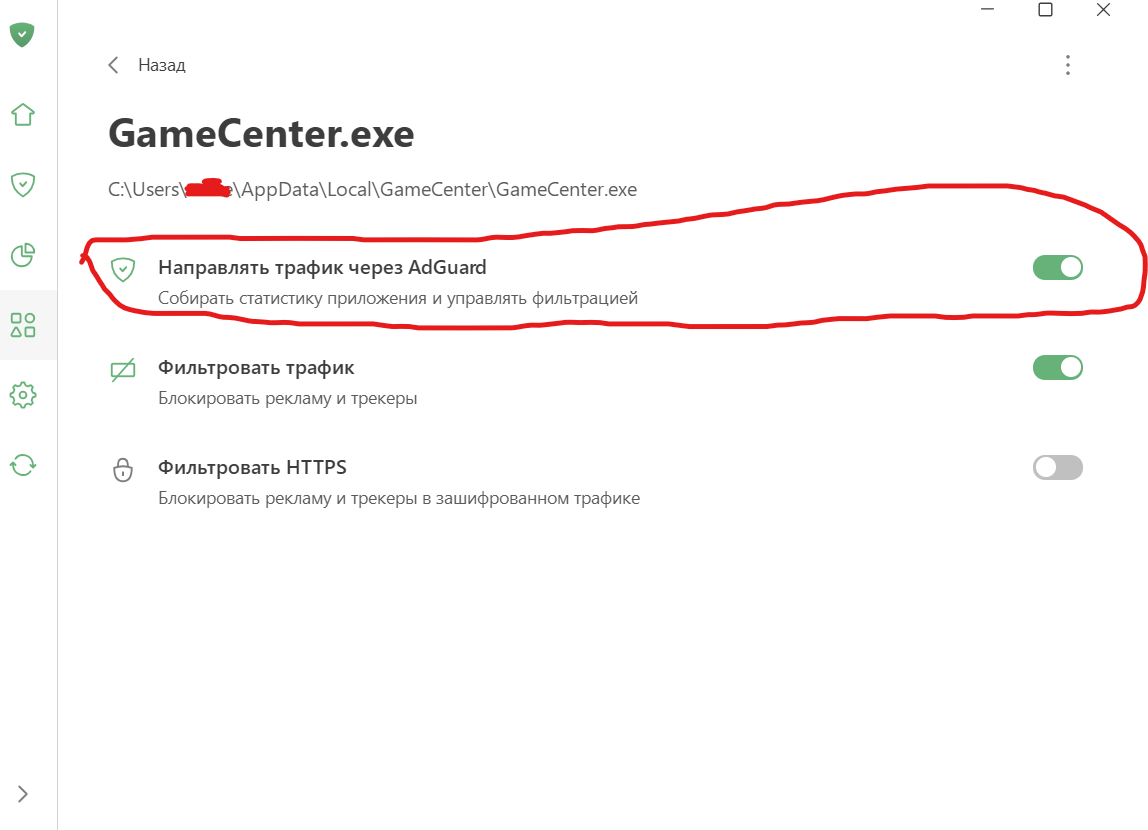
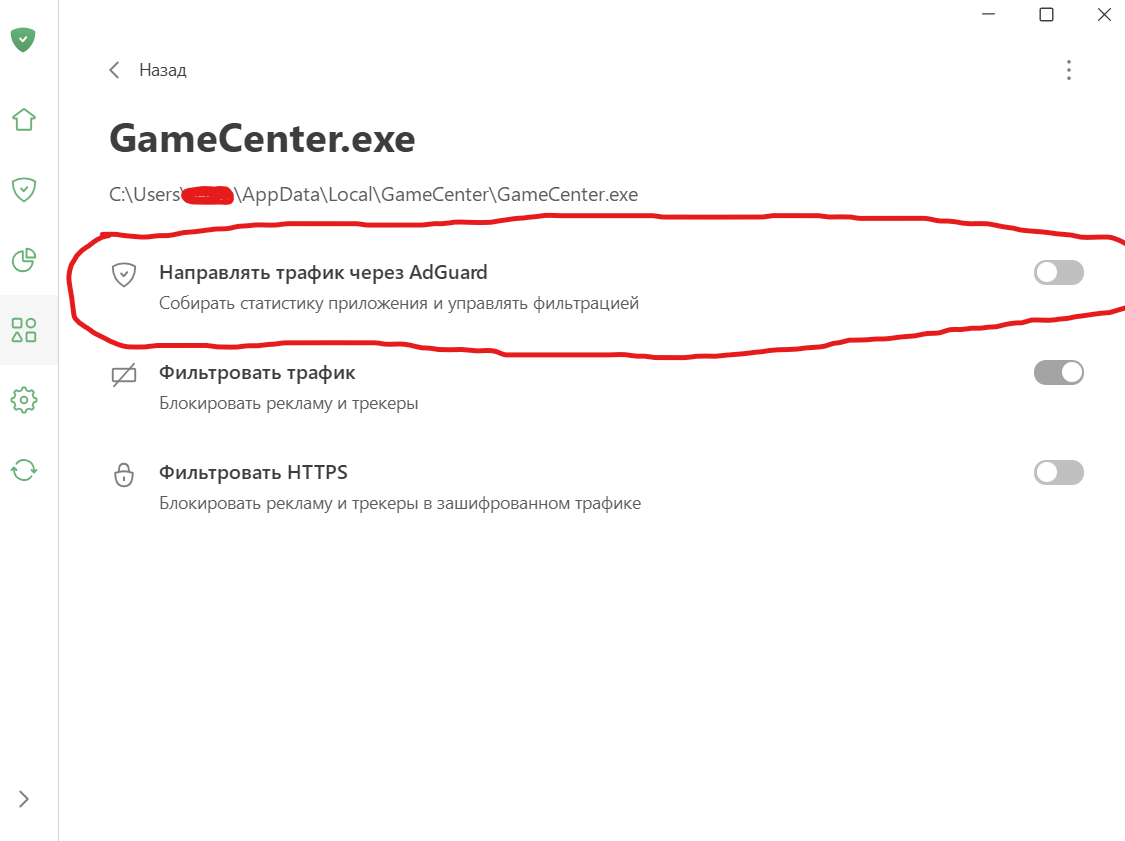
- Disabling 'Route traffic' (Suggests low-level network conflict)
Suggested Configuration List
- route_exclusions_apps.json (Disable traffic routing)
Description of the Problem
- App lags, freezes, or disconnects
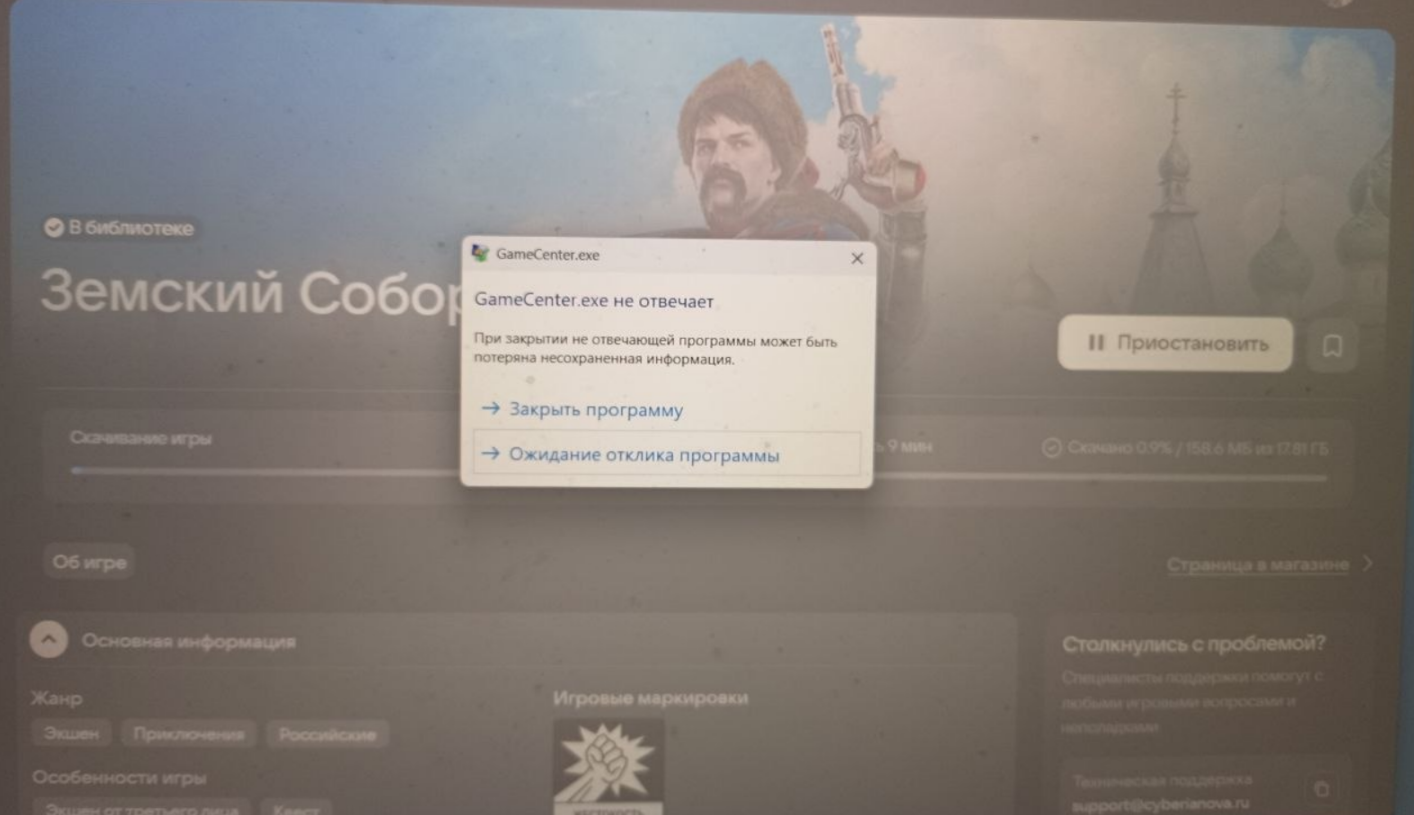
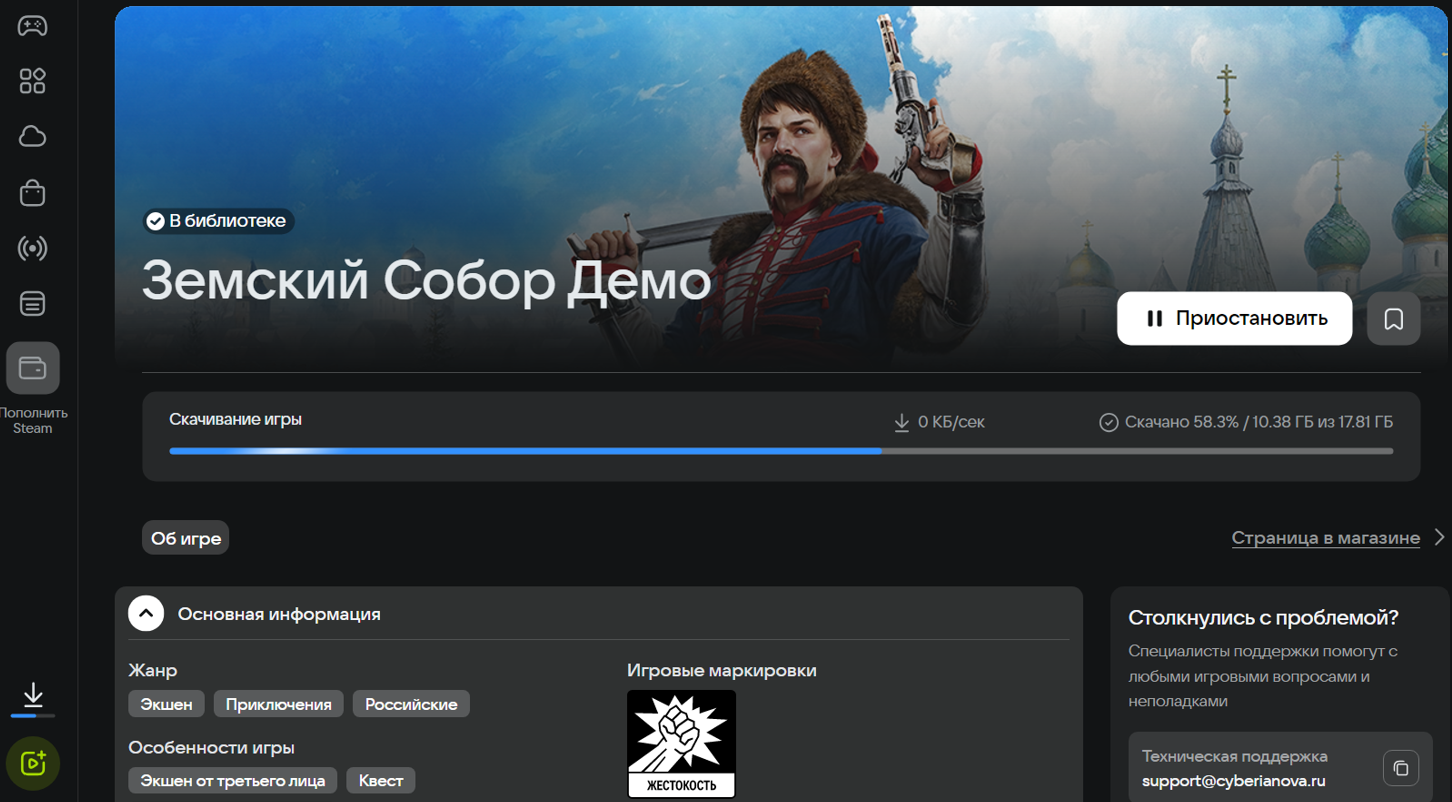
What changed: VK Play при скачивании любой игры на определённом проценте начинает намертво записать (не отвечает). Пробовал поменять в настройках СЕТЬ - СЕТЕВОЙ ДРАЙВЕР - SockFilter, при скачивании на определённом моменте падает скорость на 0 и всё стоит (при этом VK Play работает без зависания)
Final Checks
- I have confirmed that disabling the Tracking Protection or specific filters did NOT fix the issue.
Screenshots
Screenshot 1
Screenshot 2
Screenshot 3
Screenshot 4
Screenshot 5
System configuration
| Information | Value |
|---|---|
| AdGuard product: | AdGuard for Windows v8.1.0 Nightly 14 (5697) |
| System version: | Microsoft Windows NT 10.0.26300.0 |
| Download link: | https://vkplay.ru/about/?from=gamecenter |
| License type: | paid |
| AdGuard driver: | WFP |
| Filters: | Ad blocking: AdGuard Base Privacy: AdGuard Tracking Protection, AdGuard URL Tracking Annoyances: AdGuard Cookie Notices, AdGuard Popups, AdGuard Mobile App Banners, AdGuard Other Annoyances, AdGuard Widgets Other: AdGuard Experimental Language-specific: AdGuard Russian, AdGuard German |
| Custom filters: | User rules (url: none) |
| Tracking protection: | General settings: Block trackers, Strip URLs from tracking parameters, Hide your search queries, Send Do-Not-Track header Windows tracking: Disable Windows Telemetry, Turn off Advertising ID, Disable Windows Defender automatic samples submission, Disable WAP Push Message Routing Service, Disable Windows Recall Miscellaneous: Remove X-Client-Data header from HTTP requests, Protect against DPI |
| DNS filtering: | server: Systemfilters: AdGuard DNS filter, User rules (url: none) |
| Browsing Security: | enabled |
| Browsing Security statistics: | disabled |
| Userscripts: | SaveFrom.net helper (url: https://download.sf-helper.com/chrome/helper.user.js)<br>AdGuard Extra (Beta) (url: https://userscripts.adtidy.org/beta/adguard-extra/1.0/adguard-extra.user.js)<br>AdGuard Popup Blocker (Beta) (url: https://userscripts.adtidy.org/beta/popup-blocker/2.5/popupblocker.user.js)<br>[VOT] - Voice Over Translation (url: https://github.com/ilyhalight/voice-over-translation/releases/latest/download/vot.user.js) |
| Userstyles: | disabled |
Issue configuration
- Lenguaje dominante
- Sin datos de lenguaje
- Estrellas
- 10
- Forks
- 4
- Merge medio
- 1 h 20 min
- PR fusionados (30 d)
- 6
Preparar el entorno
Este proyecto no incluye contenedor de desarrollo, Dockerfile ni guía de contribución, así que la configuración corre por tu cuenta: empieza por su README y consulta nuestra guía para la primera contribución para los pasos generales.
Primeros pasos
- Lee el issue completo y luego la guía de contribución del proyecto.
- Comenta en el issue que vas a ocuparte — evita que dos personas hagan lo mismo.
- Haz un fork del repositorio y trabaja en una rama.
- Abre un pull request que haga referencia al número del issue.
Más de AdguardTeam/CompatibilityIssues
-
[Windows]: Arduino IDE 2.3.11AbiertoCompatibility Priority: P4 Windows
Dificultad 2/5 1-3 horas Aptitud para principiantes 45/100
-
[Windows]: AdguardAbiertoCompatibility Priority: P4 Windows
Dificultad 4/5 3-5 días Aptitud para principiantes 28/100
-
[Windows]: DiscordAbiertoCompatibility Priority: P4 Windows
Dificultad 4/5 3-5 días Aptitud para principiantes 45/100
-
Compatibility Priority: P4 Windows
Dificultad 4/5 3-5 días Aptitud para principiantes 20/100
-
Compatibility Priority: P4 Windows
Dificultad 4/5 3-5 días Aptitud para principiantes 22/100
Todos los issues de AdguardTeam/CompatibilityIssues
Issues similares
-
Dificultad 2/5 1-3 horas Aptitud para principiantes 78/100
smartcontractkit/external-adapters-js#5651 ·
Los mantenedores suelen responder en 1 día
-
needs-info
Dificultad 2/5 1-3 horas Aptitud para principiantes 78/100
-
Dificultad 2/5 1-3 horas Aptitud para principiantes 82/100
Los mantenedores suelen responder en 1 día
-
tools/*_probe.py crash onAbiertogood first issue help wanted
Dificultad 2/5 1-3 horas Aptitud para principiantes 85/100
vishwagw/Sky-Sim-drone-simulator-3.0#46 ·
Los mantenedores suelen responder en 1 día
-
Dificultad 2/5 1-3 horas Aptitud para principiantes 76/100
NuSkooler/enigma-bbs#1213 ·
Los mantenedores suelen responder en 1 día