
仓库指标
- 星标
- (5,644 个星标)
- PR 合并指标
- (30 天内没有已合并 PR)
描述
Description
When calling Unfocus (docs) on a picker, the picker is not hidden.
This only happens in a fairly specific scenario - the element that is clicked to cause the Unfocus is an Entry and it also does a Navigation.PushAsync following the Unfocus. The reasoning for this UX is that clicking the entry field opens a page where you can add or search for the record that populates that field (you never actually type anything into this field).
This occurs for me on the latest iOS, the latest Xamarin.Forms, and with a basic Picker. I have not tried other versions or other components (this method is inherited from VisualElement).
Steps to Reproduce
- Create a xaml page with a
Pickernamed "MyPicker" with some items in it and anEntry - Wire the Entry focused event to a method that calls
MyPicker.Unfocus()andawait Navigation.PushAsync - Click the entry
Expected Behavior
The picker will be hidden when the entry is focused.
Actual Behavior
The picker remains open. Note that the picker's Unfocused event does fire.
Basic Information
- Version with issue: 4.3.0.947036
- Last known good version: Unknown
- IDE: Visual Studio for Mac Professional 8.3.6 build 4
- Platform Target Frameworks:
- iOS: 13.2
- Android: Did not check
- UWP: Did not check
- Android Support Library Version: N/A
- Nuget Packages:
- Affected Devices: iPhone 11 Pro Max, did not check others
Screenshots
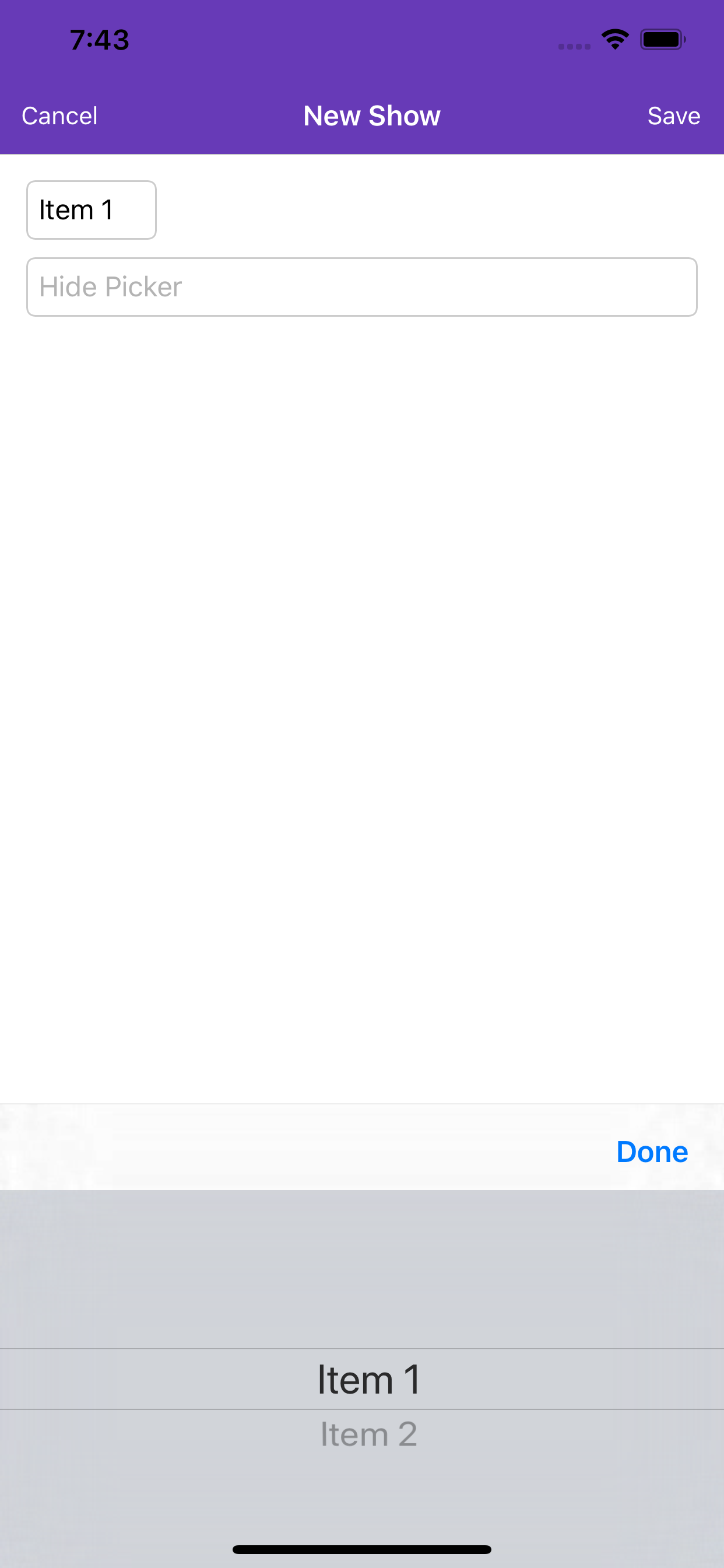
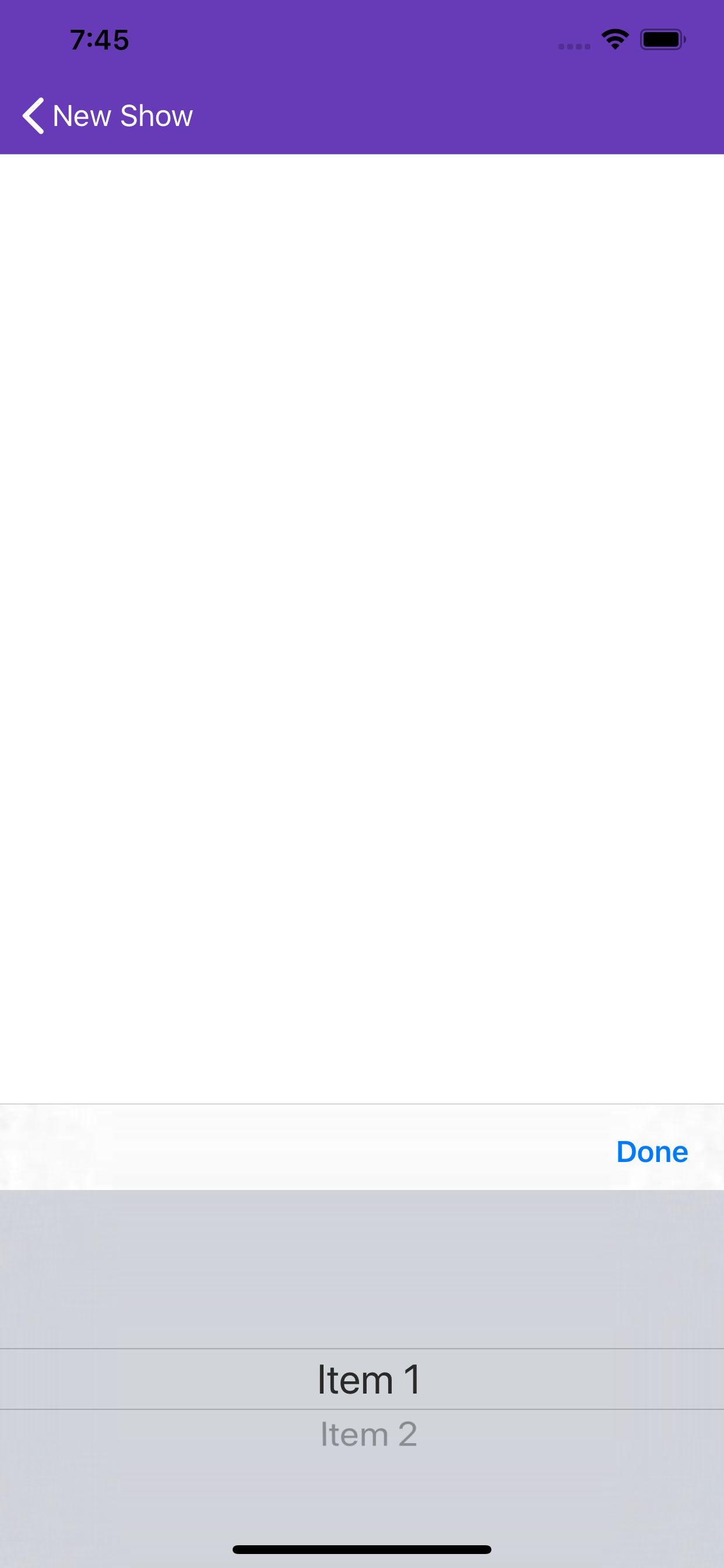
Reproduction Sample Code
MyPage.xaml
<StackLayout>
  <Picker x:Name="MyPicker" Title="Pick" Unfocused="MyPickerUnfocused">
    <Picker.Items>
      <x:String>Item 1</x:String>
      <x:String>Item 2</x:String>
    </Picker.Items>
  </Picker>
  <Entry Placeholder="Hide Picker" Focused="HidePickerFocused" />
</StackLayout>
MyPage.xaml.cs
public async void HidePickerFocused(object sender, FocusEventArgs eventArgs)
{
    MyPicker.Unfocus();
    await Navigation.PushAsync(new ContentPage(), true);
}

public void MyPickerUnfocused(object sender, FocusEventArgs eventArgs)
{
    Console.WriteLine("MyPickerUnfocused"); // this is hit when debugging
}