
xamarin/Xamarin.Forms
iOS tabbed page shows edit button after screen rotation
开放
#4,441 创建于 2018年11月16日
e/4 :clock4:help wantedinactivep/iOS 🍎t/bug :bug:up-for-grabs
仓库指标
- 星标
- (5,644 个星标)
- PR 合并指标
- (30 天内没有已合并 PR)
描述
Description
During a manual monkey test we discovered that on iOS the tabbed page's overflow menu sometimes shows an "Edit" button which is not functional.
Steps to Reproduce
- Create a tabbed page with more than 5 sub pages
- Open the app in portrait
- Open the overflow menu (notice the absence of an "edit" button)
- Rotate the phone in landscape (The overflow menu now also closes which is undesirable on itself)
- Open the overflow menu again (It now shows a non functional edit button)
Expected Behavior
No edit button
Actual Behavior
A edit button
Basic Information
- Version with issue: 3.3
- Last known good version: -
- IDE: VS 2017
- Platform Target Frameworks:
- iOS: 12.1
- Affected Devices: iPhone
Screenshots
Here two screenshots, one before rotation and one after rotation
Before rotation
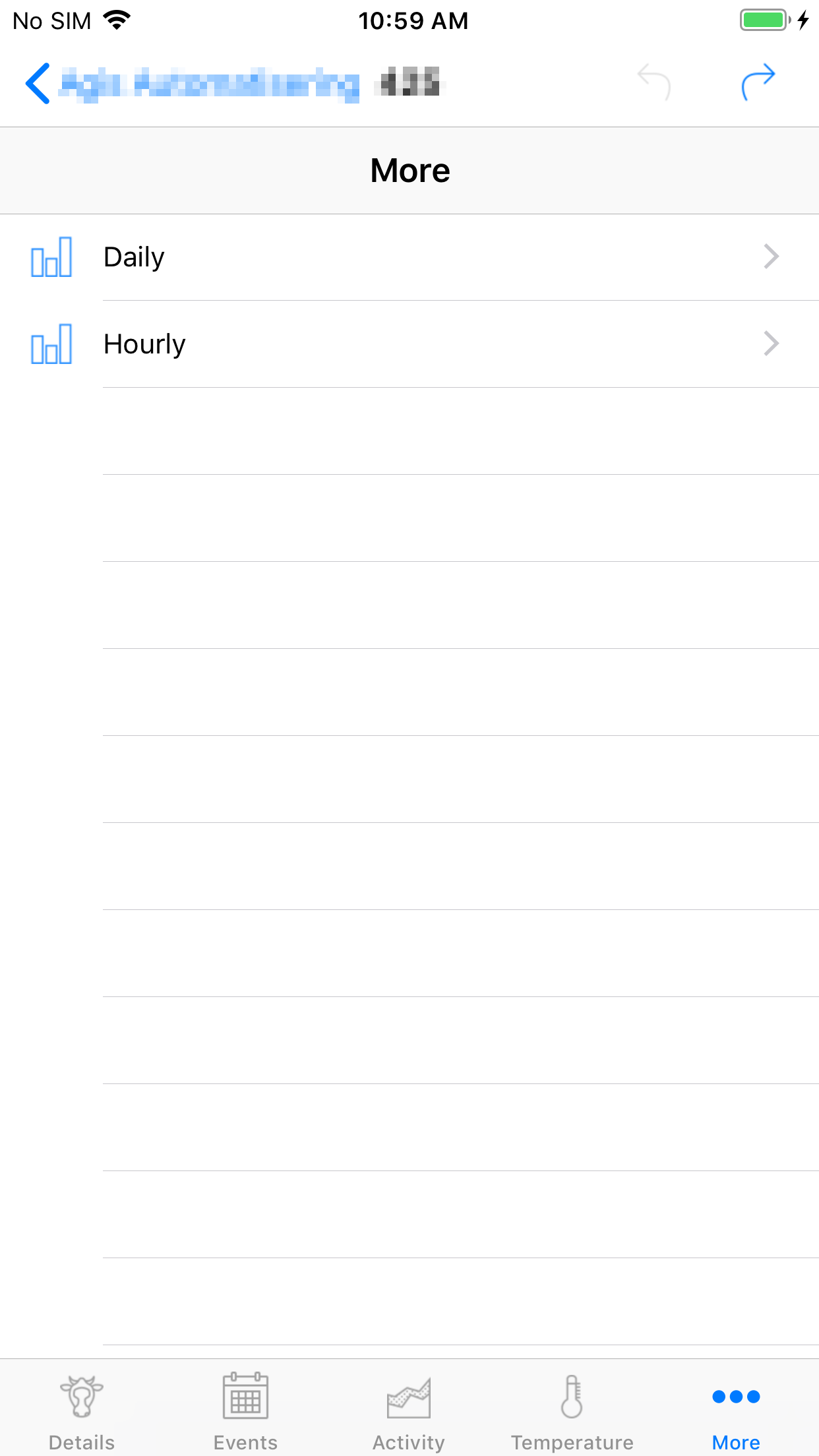
After rotation
