
CommunityToolkit/WindowsCommunityToolkit
在 GitHub 查看ImageEx performance is very poor while loading lots of images at the same time
Open
#3,250 建立於 2020年4月24日
bug :bug:controls :control_knobs:help wanted
倉庫指標
- Star
- (5,708 star)
- PR 合併指標
- (30 天內沒有已合併 PR)
描述
Describe the bug
If there is a page with lots of different images and load them use the ImageEx control, it will block the UI long time.
Steps to Reproduce
Steps to reproduce the behavior:
- Create a blank page.
- Add lots of
ImageExcontrols to the page and set theIsCacheEnabledto true. - Set different sources to each
ImageExcontrol. - Navigate to this page and it will take very long time to navigate.
Expected behavior
Don't block the UI as much as possible.
Screenshots
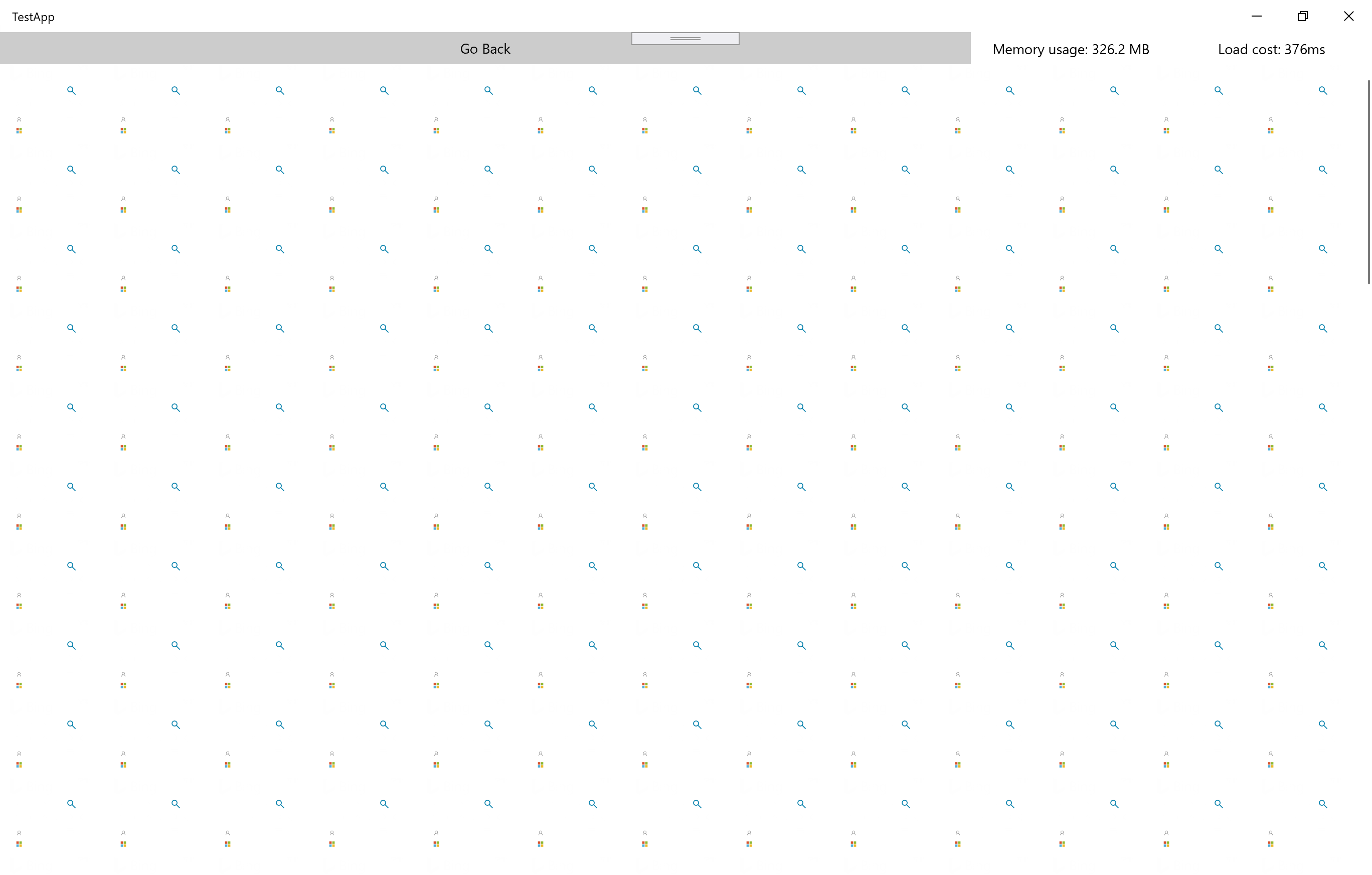
Use the framework Image control:
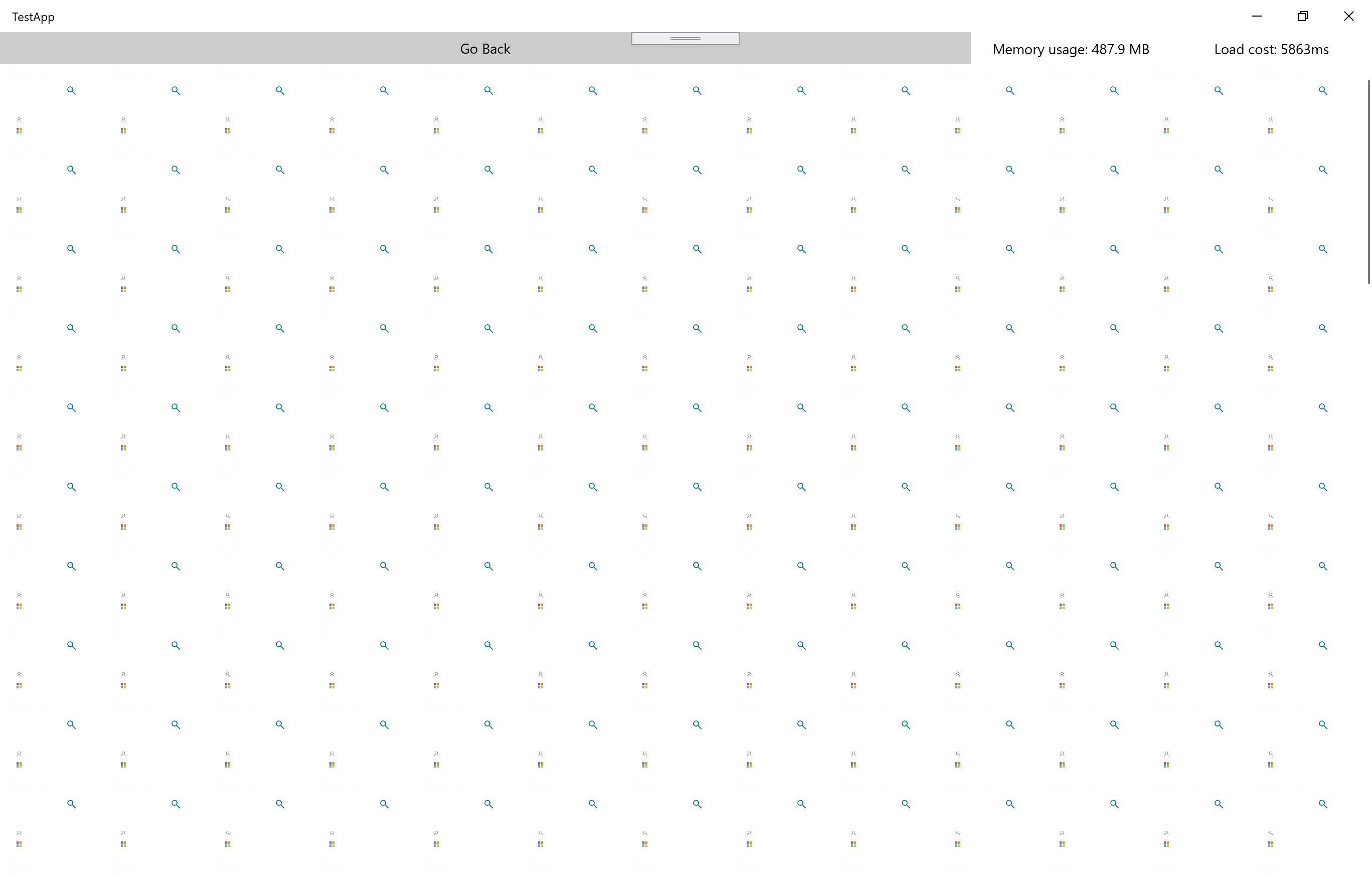
 Use the toolkit
 ImageEx control:
Environment
NuGet Package(s): Microsoft.Toolkit.Uwp.UI.Controls
Package Version(s): 7.0.0-preview1
Windows 10 Build Number:
- Fall Creators Update (16299)
- April 2018 Update (17134)
- October 2018 Update (17763)
- May 2019 Update (18362)
- Insider Build (build number: )
App min and target version:
- Fall Creators Update (16299)
- April 2018 Update (17134)
- October 2018 Update (17763)
- May 2019 Update (18362)
- Insider Build (xxxxx)
Device form factor:
- Desktop
- Xbox
- Surface Hub
- IoT
Visual Studio
- 2017 (version: )
- 2019 (version: )
- 2019 Preview (version: )
Additional context
Test app source code is here: https://github.com/h82258652/ToolkitImageExPerformanceTest