EnhancementUIgood first issue
Repository metrics
- Stars
- (14,852 stars)
- PR merge metrics
- (PR metrics pending)
Description
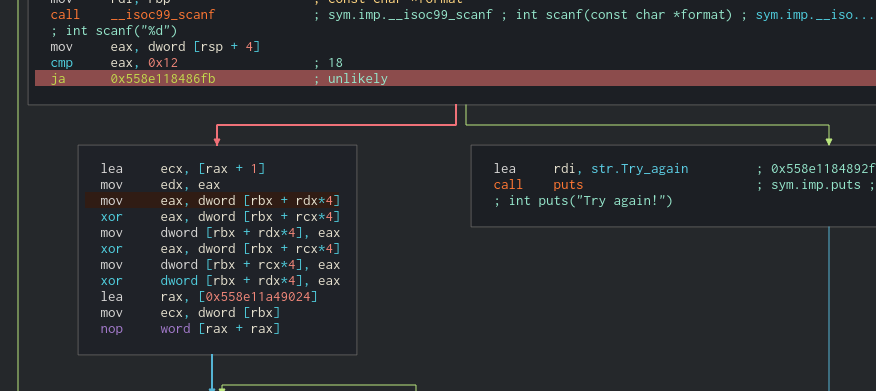
Is your feature request related to a problem? Please describe. By now, the debug mode is having very hard background color of current instruction that program is running to (i don't know how to call it). Let me explain it (screenshot is bellow):
- This is color when program hits break point
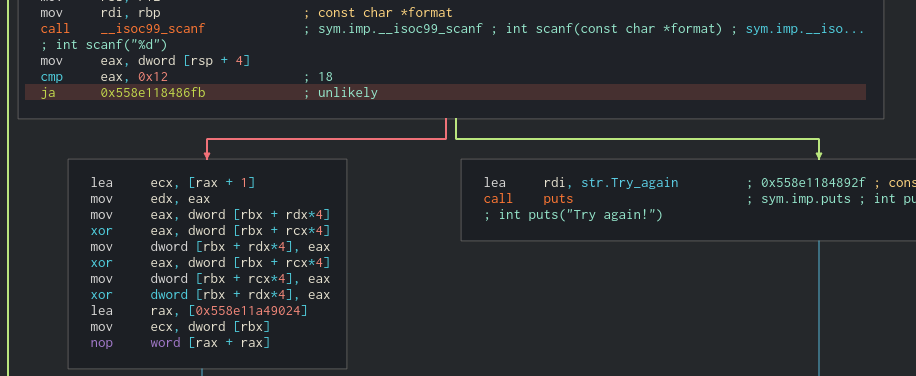
- Color after user click on
step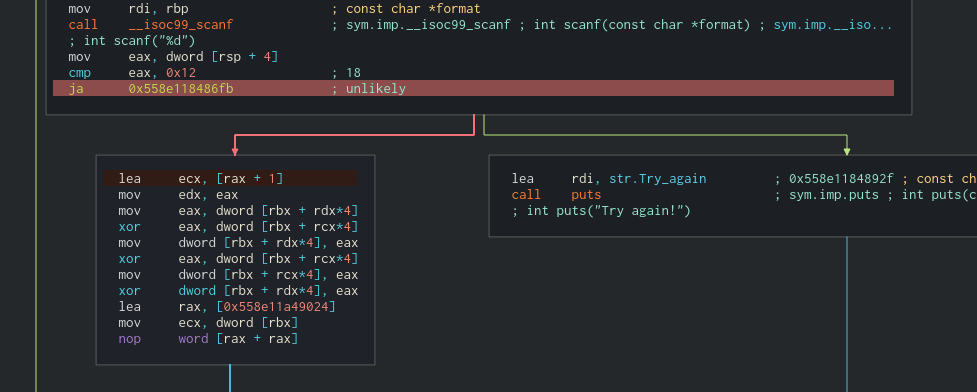 The color is pretty dark and similar the background color of current program
 - After i click on different code block (or different instruction)
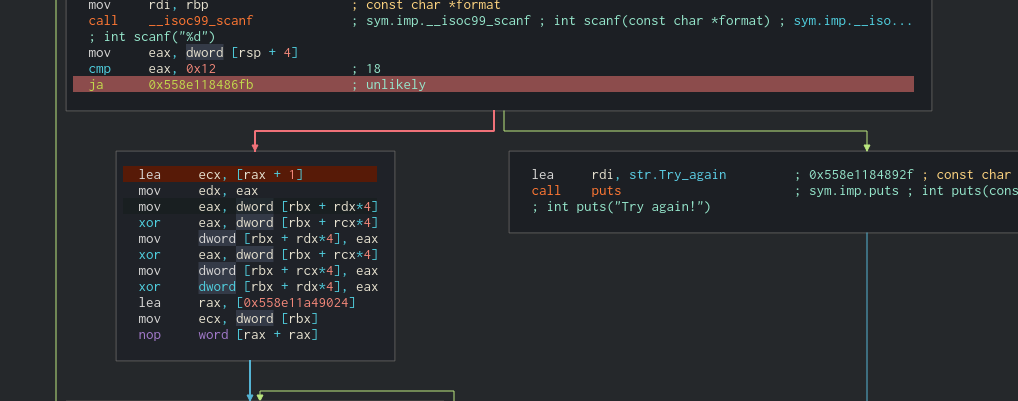
-> So the problem here is current instruction is a "focused" instruction so it is using both color of mouse clicking highlight and debug. The final color is mixed from 2 color.
Describe the solution you'd like
Add something like green dot or green arrow like
-> mov eax, ebx or * move eax, ebx.
Describe alternatives you've considered
Remove highlight color? It isn't very nice because user can click on widget anyway.
Additional context
After click step into, the color went to same dark color