
[Bug] ScrollView ScrollOrientation.Neither not working properly
#8.497 aberto em 14 de nov. de 2019
Métricas do repositório
- Stars
- (5.644 estrelas)
- Métricas de merge de PR
- (Nenhuma PRs mesclada em 30d)
Description
Description
ScrollView doesn't quite behave as expected when changing the orientation to Neither. I have a scroll view, with a stack layout that has 2 items (probably not important). One of the items is very tall.
By default, the big item causes the scroll view to scroll as expected.
If I set the orientation to neither in the page constructor or in XAML, Android goes weird and resizes my big view and my touch events are all mixed up for my canvas view. iOS does not resize my view, and my touch events are fine. It is almost as if the Android view is scrolling, but not actually :)
The other side of this is when I set the orientation later on, such as in a button click. Both platforms just ignore this change and still keep scrolling.
side bug: UWP scrollview padding is just plain evil. In fact, I think the scroll orientation seems to be affecting the padding on all platforms... This might need more testing and a new bug.
Steps to Reproduce
<ScrollView x:Name="scroller" Padding="20,60" BackgroundColor="Orange">
    <StackLayout>
        <Button Clicked="OnBtn" Text="Disable Scroll" BackgroundColor="Red" TextColor="Green" />
        <BoxView BackgroundColor="Green" WidthRequest="200" HeightRequest="3000" />
    </StackLayout>
</ScrollView>
private void OnBtn(object sender, EventArgs e)
{
	scroller.Orientation = ScrollOrientation.Neither;
}
Expected Behavior
ScrollView.Orientation = Neither always disables scroll, and does not resize contents.
Actual Behavior
Android:
- resizes contents when set in xaml and constructor
- does not stop scroll when set after rendered
iOS & UWP:
- does not stop scroll when set after rendered
Basic Information
- Version with issue: 4.3.0.947036
- Last known good version: N/A
- IDE: VS 2019 for Mac
- Platform Target Frameworks:
- iOS: 12.3.1
- Android: 10
- UWP: Not tested yet
- Android Support Library Version:
- Nuget Packages:
- Affected Devices:
Screenshots
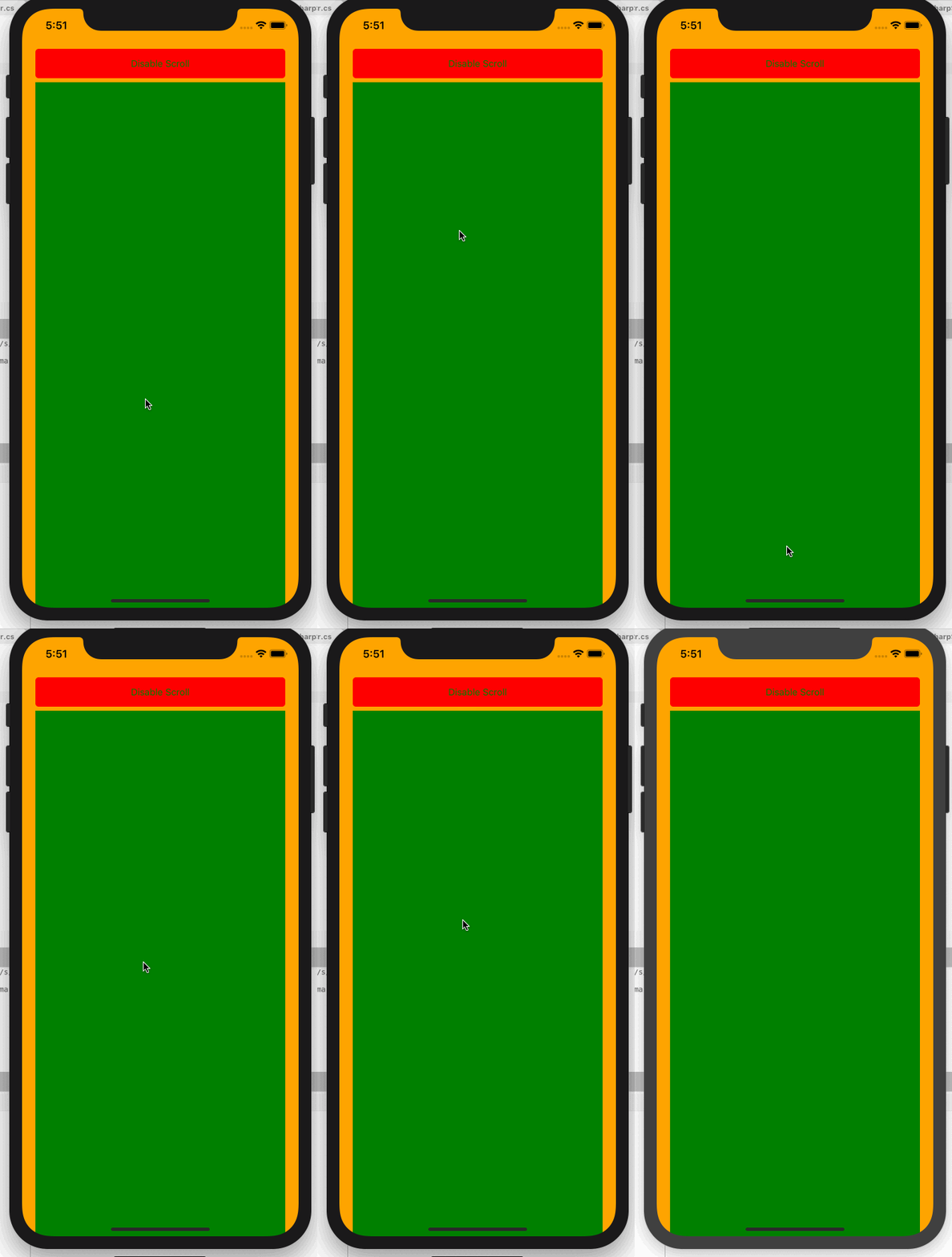
| Android (late disable ignored) | iOS (late disable ignored) | UWP (late disable ignored) |
|---|---|---|
 |
 |
 |
| Android (box height ignored) | iOS (box height respected) | UWP (box height respected) |
 |
 |
 |