
mattermost-community/focalboard
Ver no GitHubBug: Native macOS spell check does not work correctly in card descriptions
Open
#442 aberto em 18 de mai. de 2021
BugHacktoberfestHelp WantedUp for grabs
Métricas do repositório
- Stars
- (26.187 stars)
- Métricas de merge de PR
- (Nenhuma PRs mesclada em 30d)
Description
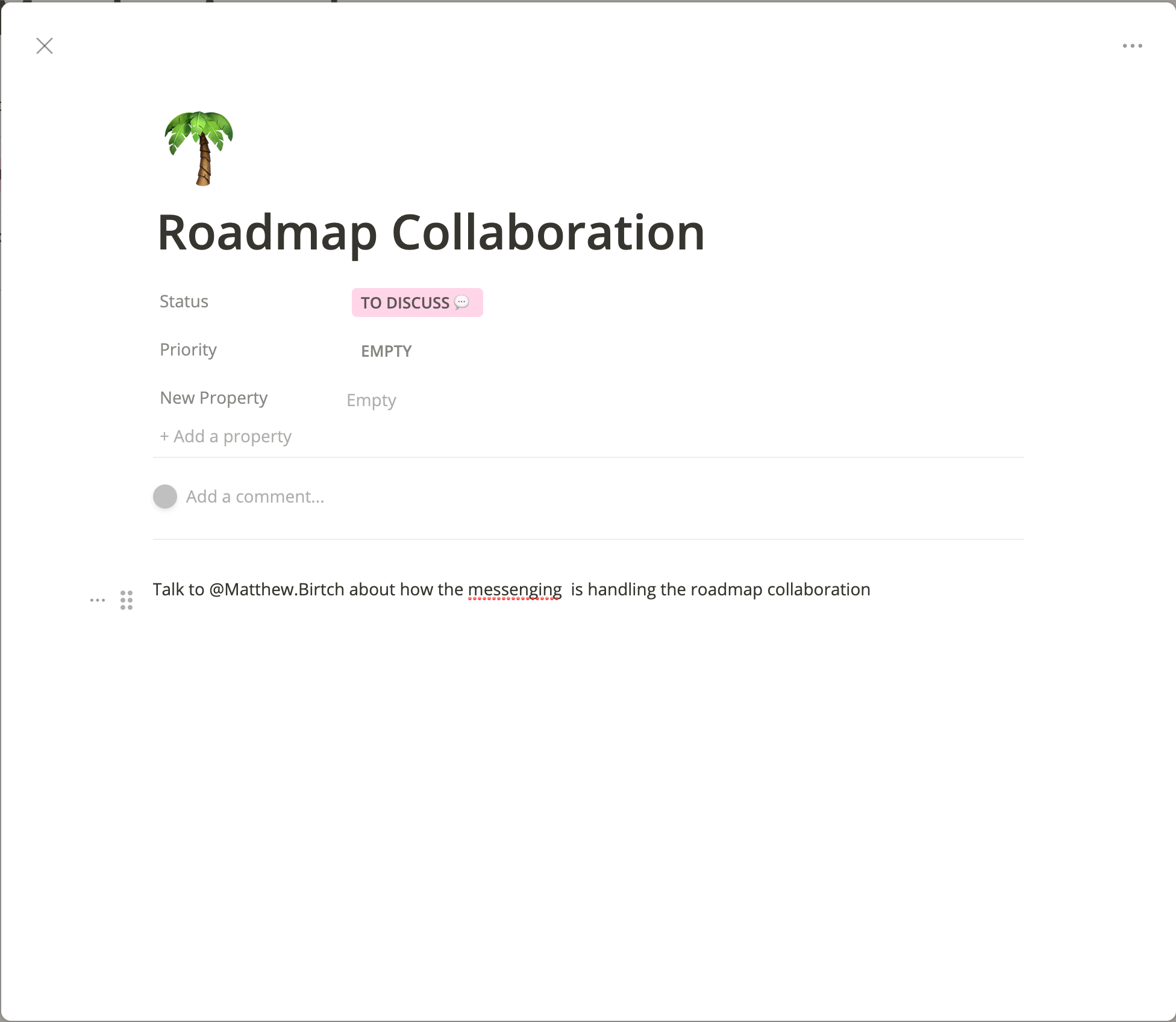
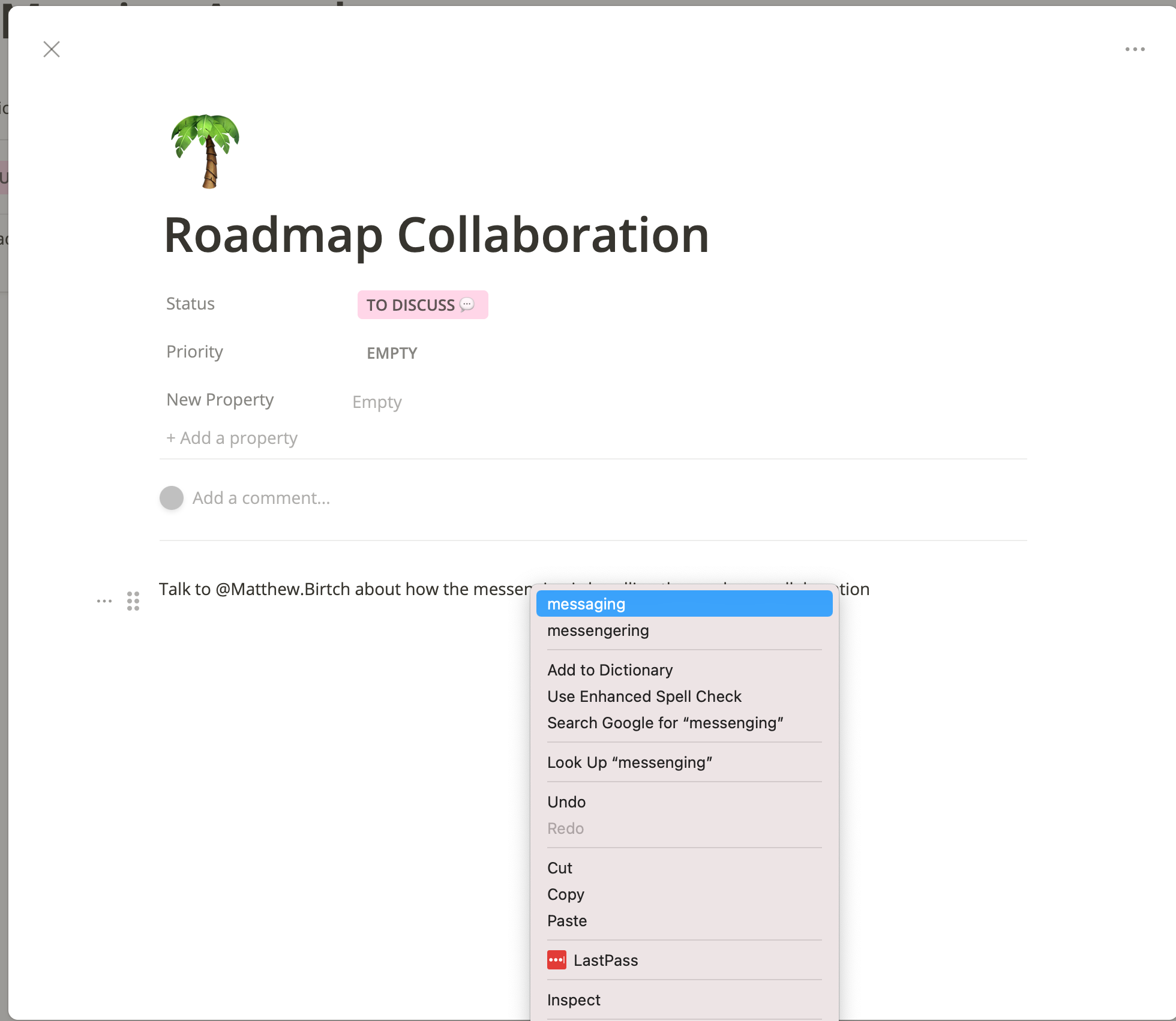
Summary: OSX Native spellchecking not respected. When I'm writing in the description of a focalboard card, if i misspell a word and it does the red underline, and then if i proceed to right click on it to select the correct spelling, the content doesn't update with the new correct spelling.. instead its ignored.
Steps to reproduce the behavior:
- Go to a cards description and misspell a word, once its underlined in red
- Right click on the red underlined misspelled word, and select the correct option
Expected behavior: The word would update with the correctly spelled word.
Observed behavior: The word remains the original incorrect spelling.
Screenshots:
Platform:
- Browser and version: Latest version of chrome
- OS and version: Latest version of OSX on my macbook
Additional context: Add any other context about the problem here.