
CommunityToolkit/WindowsCommunityToolkit
Ver no GitHubWrapLayout doesn't respond to dynamic visibility
Open
#3.875 aberto em 22 de mar. de 2021
bug :bug:controls :control_knobs:help wanted
Métricas do repositório
- Stars
- (5.708 stars)
- Métricas de merge de PR
- (Nenhuma PRs mesclada em 30d)
Description
Describe the bug
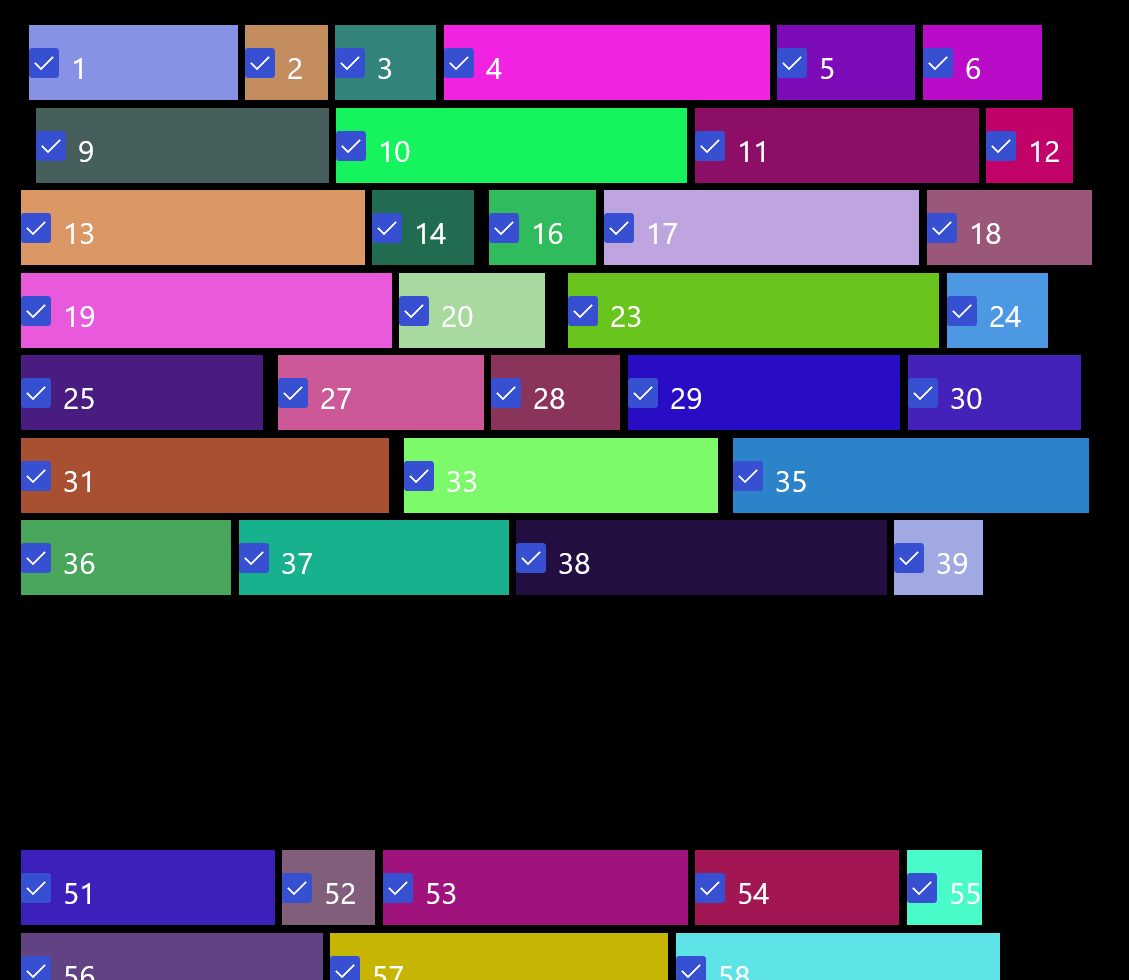
Related to investigation around #3695. Think it's a different issue as I know we updated WrapPanel logic for 7.0, but I don't think we touched WrapLayout. This probably wasn't supported initially for ItemsRepeater?
Steps to Reproduce
- Can this be reproduced in the Sample App? (Either in a sample as-is or with new XAML pasted in the editor.) If so, please provide custom XAML or steps to reproduce. If not, let us know why it can't be reproduced (e.g. more complex setup, environment, dependencies, etc...)
Steps to reproduce the behavior:
- Go to sample app WrapLayout sample
- Modify DataTemplate:
    <DataTemplate x:Key="WrapTemplate">
      <Border Width="{Binding Width}" Height="50" Visibility="{Binding IsChecked,ElementName=MyCheck}">
        <Border.Background>
          <SolidColorBrush Color="{Binding Color}"/>
        </Border.Background>
        <CheckBox x:Name="MyCheck" Content="{Binding Index}" FontSize="20" IsChecked="True"/>
      </Border>
    </DataTemplate>
- Start checking boxes...
Expected behavior
Left over spacing collapses, also scrolling and re-constituting proper layout should work. Think there's a few issues here.
Screenshots
FYI @skendrot