
Repository metrics
- Stars
- (20,263 stars)
- PR merge metrics
- (PR metrics pending)
Description
Environment
-
Package version(s):
"@blueprintjs/core": "^4.3.1", "@blueprintjs/select": "^4.2.1", "@blueprintjs/table": "^4.2.1",
-
Operating System: Mac OS Monterey 12.3.1
-
Browser name and version: Chrome Version 103.0.5060.53
Steps to reproduce
I was not actually able to reproduce this on Code Sandbox, so I suspect there are some CSS clashes, but row headers seem to not adjust the width properly to allow the entire row number to show in my application:
In a code sandbox: https://codesandbox.io/s/blueprint-sandbox-forked-z4oifh, I notice that the row headers adjust in width as you scroll, but this does not happen in my environment:
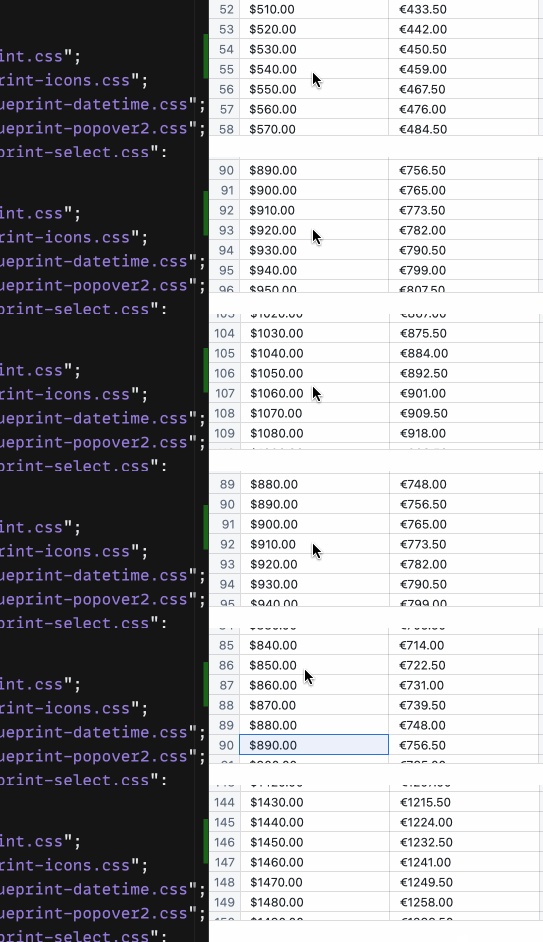
I thought it might have to do with the styling differences, and stripping the font family style in the dev console seems to fix things, but the computed styles don't differ to start with.:
Here is my computed styles for the pb4-table-header component,
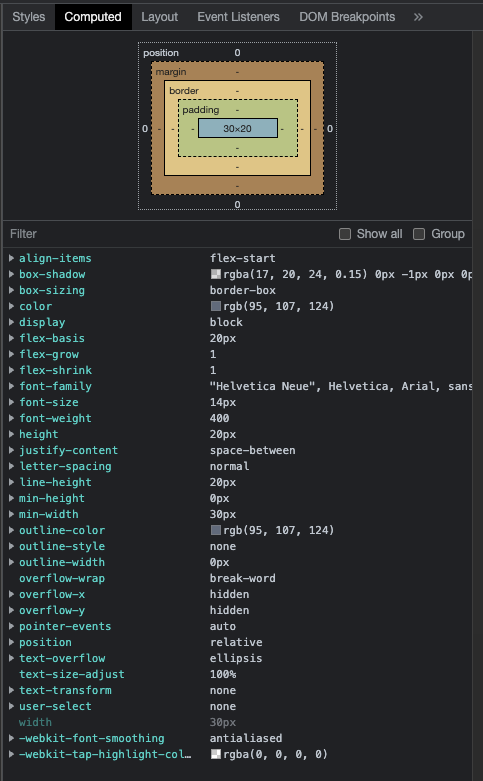
and then the code sandbox:
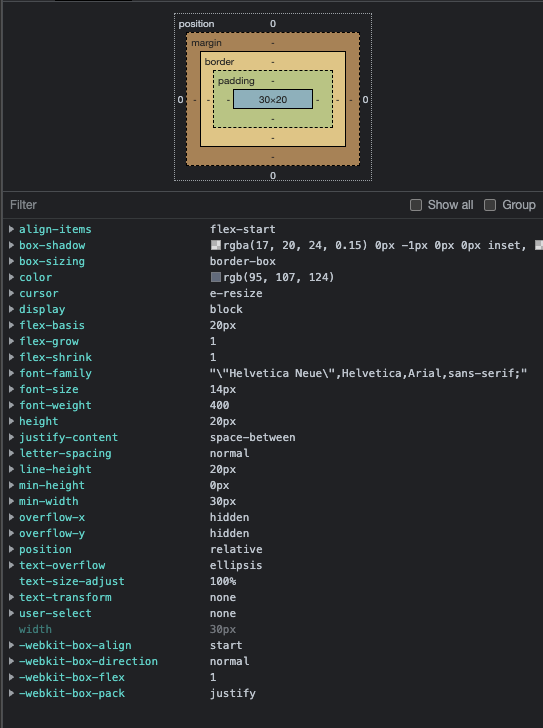
And then the computed styles for the inner bp4-table-row-name component:
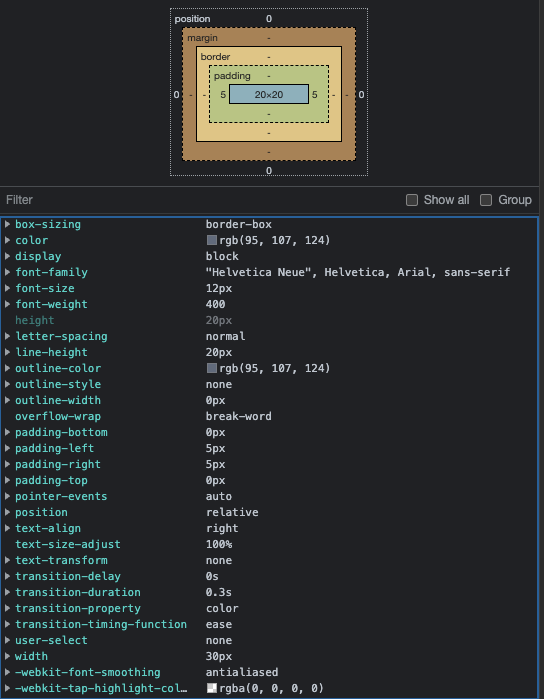
and in codesandbox:

Actual behavior
Row headers are truncated
Expected behavior
Row header should resize to not trucate the row number