xamarin/Xamarin.Forms
[Bug] GridLength of 0 no longer hides/clips grid row content
オープン
#8,131 opened on 2019/10/21
4.2.0a/layouthelp wantedi/regressioninactivep/Androidt/bug :bug:up-for-grabs
Repository metrics
- Stars
- (5,644 個のスター)
- PR merge metrics
- (30d に merged PR はありません)
説明
Description
Setting the height of a grid row to an absolute size of 0 no longer properly hides/clips the composite control content in that row. I validated that this is a bug in XF 4.2.0.848062 and is still broken in 4.3.0.851321-pre3. This used to work in XF 3.4.0.1008975.
Steps to Reproduce
- Create a composite control (e.g. containing a label and an image)
- Add the composite control to a grid row
- Programmatically set the height of the grid row to 0 absolute.
Expected Behavior
The composite control content within the grid row is hidden.
Actual Behavior
The composite control content within the grid row is partially visible.
Basic Information
- Version with issue: XF 4.2.0.848062
- Last known good version: XF 3.4.0.1008975
- IDE: Visual Studio 2019 Enterprise
- Platform Target Frameworks:
- Android: Target Framework 9
- Affected Devices:
- Galaxy S8+ with Android 8.0.0
Screenshots
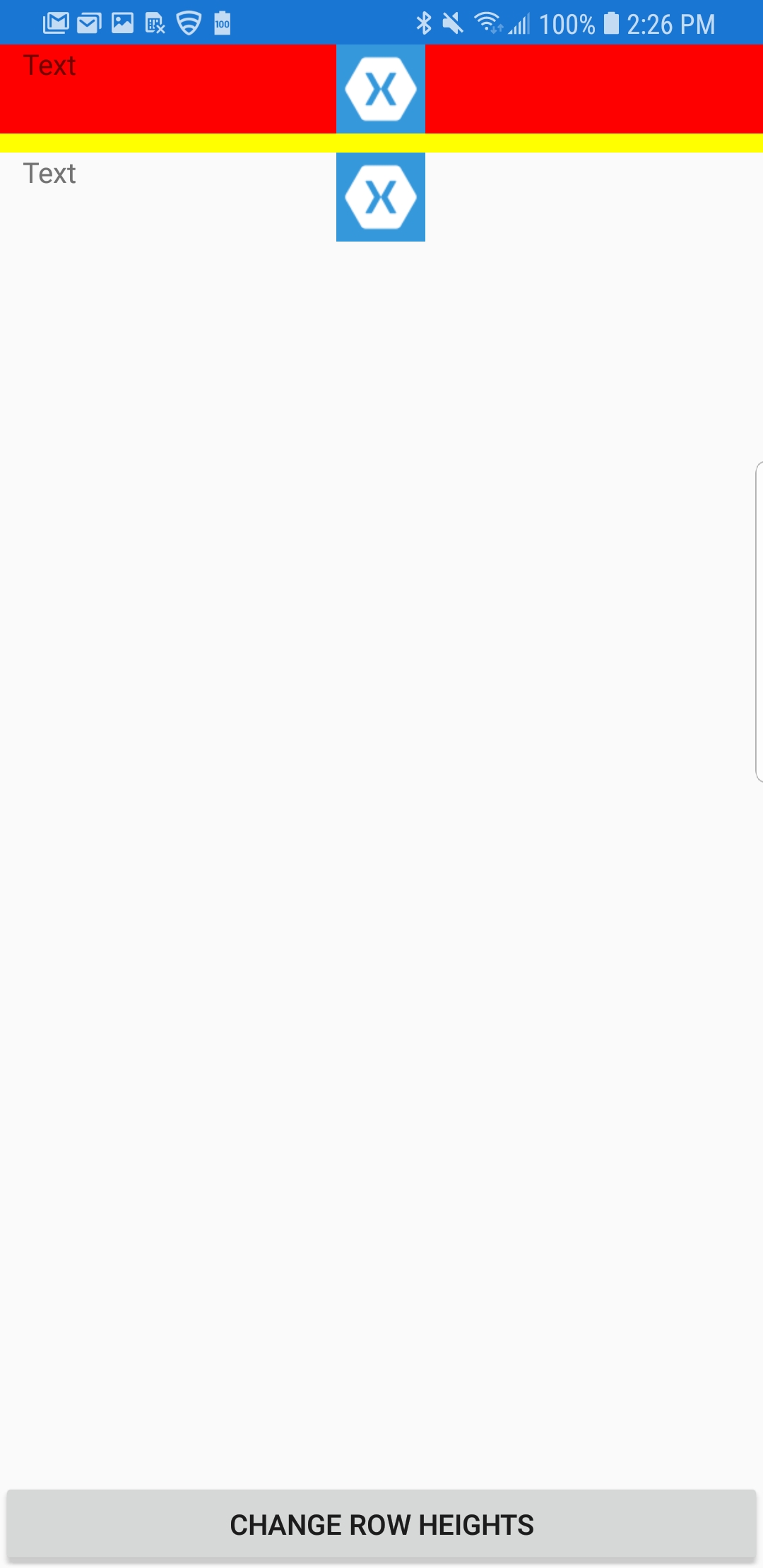
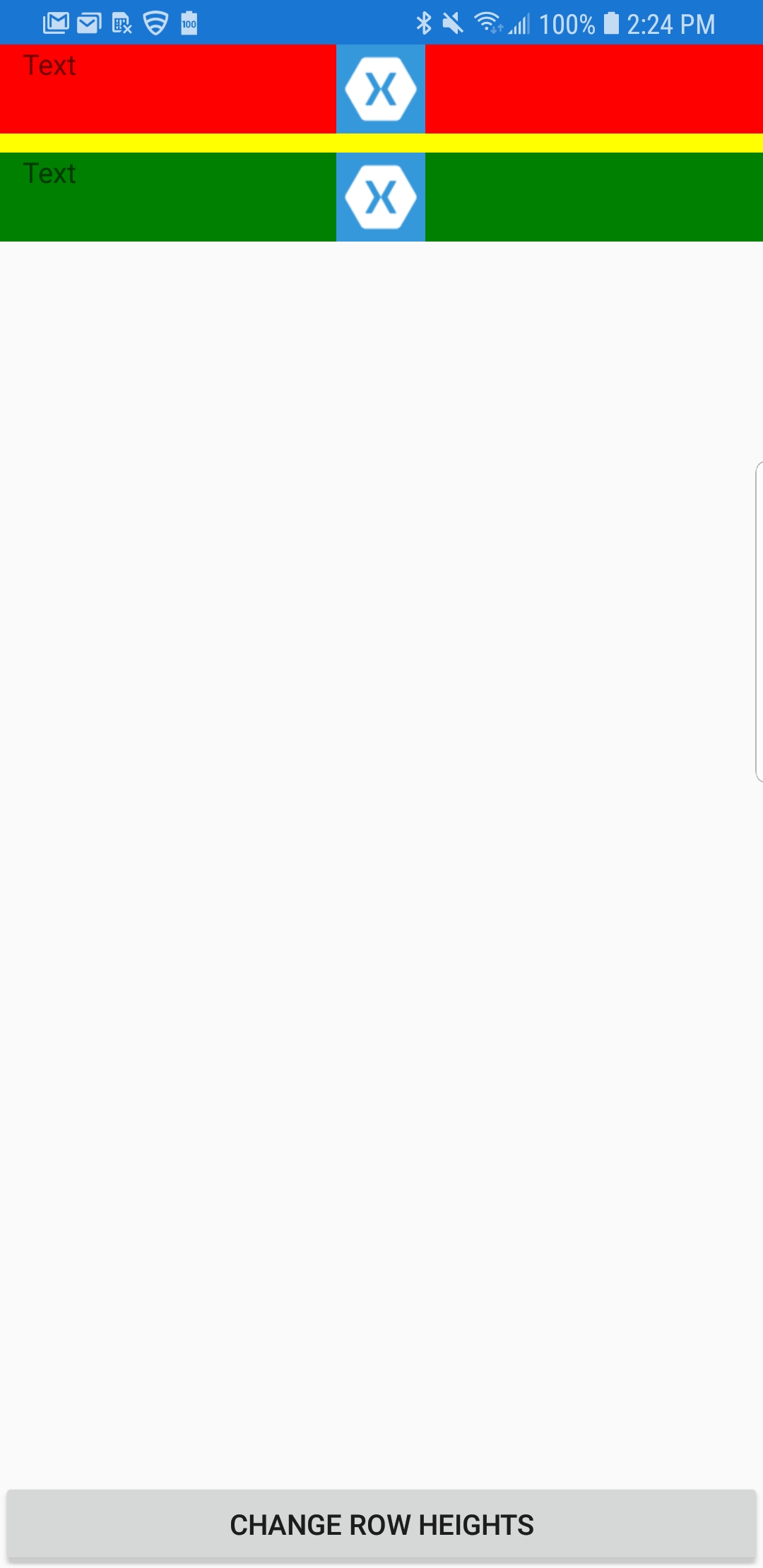
Both rows 0 and 1 show correctly (red and green)
Row 0 should be hidden completely (red)
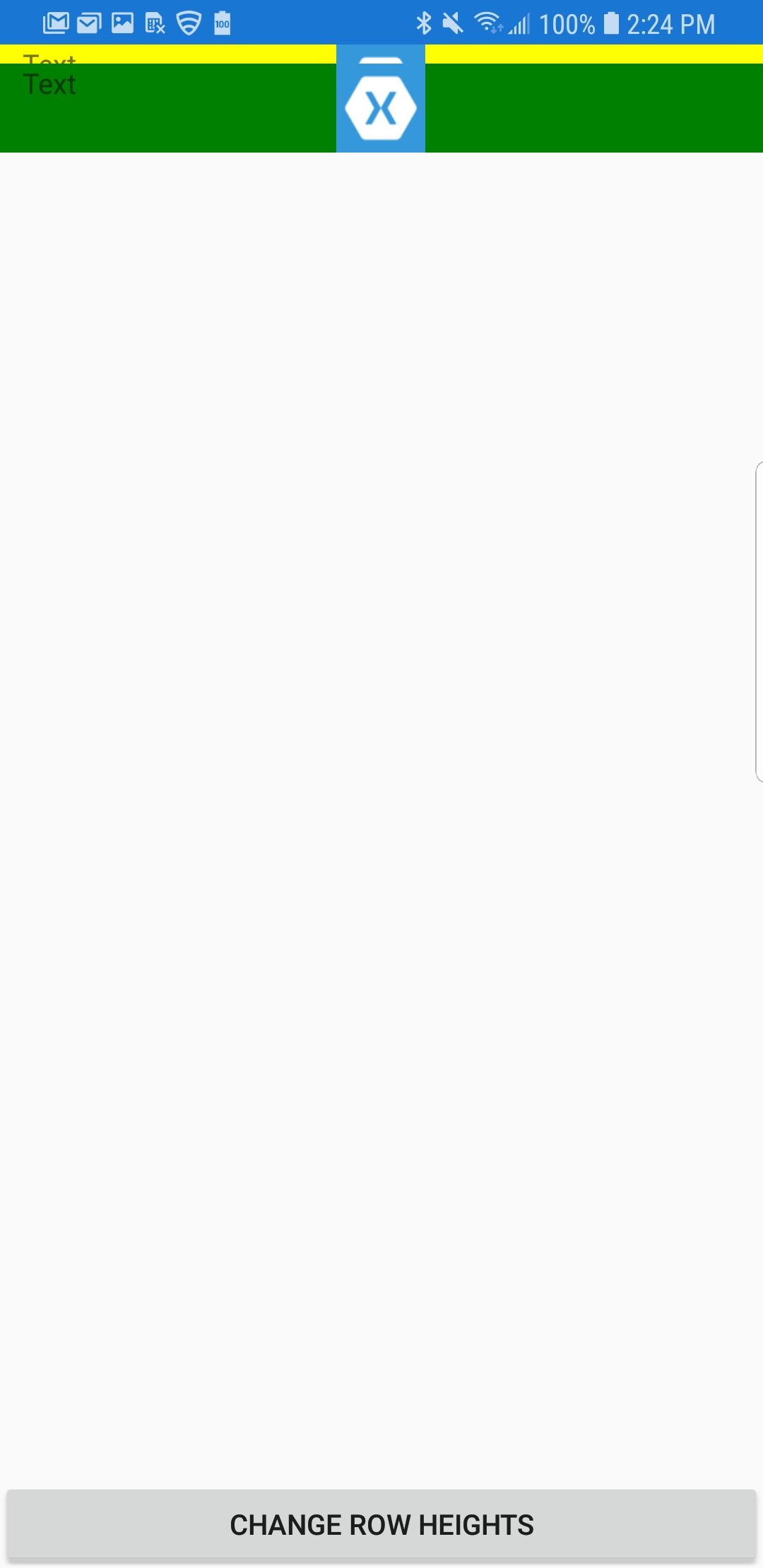
Row 1 should be hidden completely (green)