
Inconsistent behavior of StackLayout and ScrollView on iOS
#5,321 opened on 2019/02/20
Repository metrics
- Stars
- (5,644 個のスター)
- PR merge metrics
- (30d に merged PR はありません)
説明
Description
A StackLayout (and other layouts) and a ScrollView behave differently after hiding the NavigationHeader. If NavigationHeader is visible, then they behave equal. If the app is started fullscreen, the ScrollView and StackLayout behave the same (except devices with notch). For devices with notch, the behavior is different again.
ScrollViews and ListViews always behave in the same way.
Assuming the stack layout behavior is correct, then I don't understand the behavior of the bold marked entries (see screenshots).
Steps to Reproduce
- Wrap a ContentPage into a NavigationPage
- Hide NavigationHeader
- Compare the behavior of a page with StackLayout and a page with Scrollview as root element.
Expected Behavior
The start position of the control itself and its content should be the same for a StackLayout and a ScrollView.
Actual Behavior
If NavigationHeader was hidden, they behave differently. If the app is in fullscreen mode and the NavigationHeader is hidden, then they behave the same on an iPhone 5s, on an iPhone X, they behave differently.
- Version with issue: Tested with 3.5.0 & 3.3.0 Last known good version: -
Screenshots
ScrollViews background color is fuchsia StackLayouts background color is red
| Description | iPhone 5s | iPhone X |
|---|---|---|
| StackLayout |  |
 |
| ScrollView |  |
 |
| StackLayout without Nav |  |
 |
| ScrollView without Nav |  |
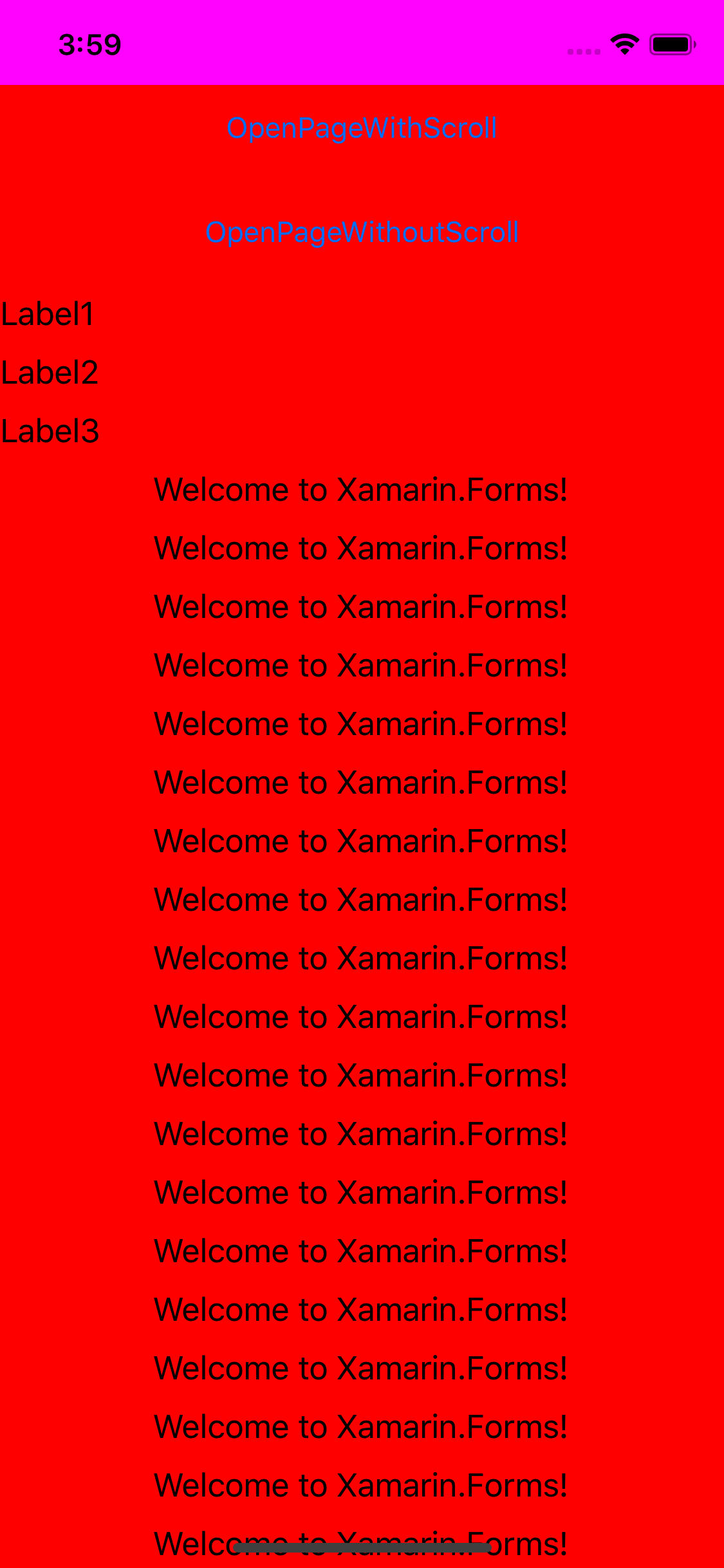 |
| StackLayout FullScreen (FS) |  |
 |
| ScrollView FS |  |
 |
| StackLayout without Nav FS |  |
 |
| ScrollView without Nav FS (wrong behavior on iPhone X) |  |
 |