ritwickdey/vscode-live-server
GitHub で見るOpen with Live Server with unsupported files (not html/svg) should open files instead of root folder
Open
#95 opened on 2018年3月21日
feature requestedhelp wanted
Repository metrics
- Stars
- (6,838 stars)
- PR merge metrics
- (PR metrics pending)
説明
Steps:
- Select a file with an unsupported extension in the VS Code Explorer (e.g. test.xml)
- Run command: Open with Live Server.
Expected result:
- File is loaded live server / opened in my browser (Chrome) without inserted javascript. This would be a fallback mode: there is no live reload but I can still see my file in the virtual browser if I want to.
Actual result:
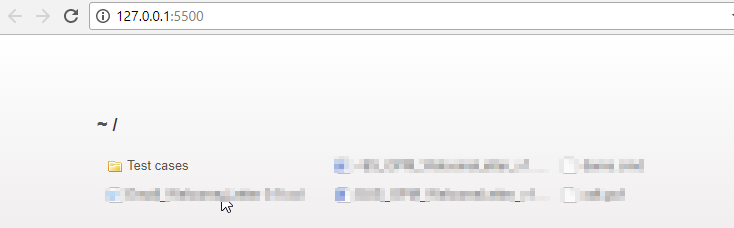
- The root directory is opened in the browser.
Workaround: manually select the file to view it in the browser.