
a/layoute/2 :clock2:good first issuehelp wantedinactivep/iOS 🍎t/bug :bug:up-for-grabs
Metriche repository
- Star
- (5644 stelle)
- Metriche merge PR
- (Nessuna PR mergiata in 30 g)
Descrizione
Description
Steps to Reproduce
- Create a NavigationPage
- Set NavigationBar visibility to false with NavigationPage.SetHasNavigationBar(page, false)
- Set a Scrollbar as content of the page (the content can be empty)
Expected Behavior
The Scrollbar fills the whole page and it's not possible to scroll down because there is no content or little.
Actual Behavior
Although there is little content or no content, the page is scrollable down and if there is a Element with eg. VerticalOptions=EndAndExpand, you have to Scroll down to see it. The problem only occurs on iOS and if the Navigationbar visibility is set to false.
Basic Information
- Version with issue: 3.4.0.1029999
- Last known good version: N/A
- IDE: Visual Studio Enterprise 15.9.6
- Platform Target Frameworks:
- iOS: 12.1
- Affected Devices: iPhone 7
Screenshots
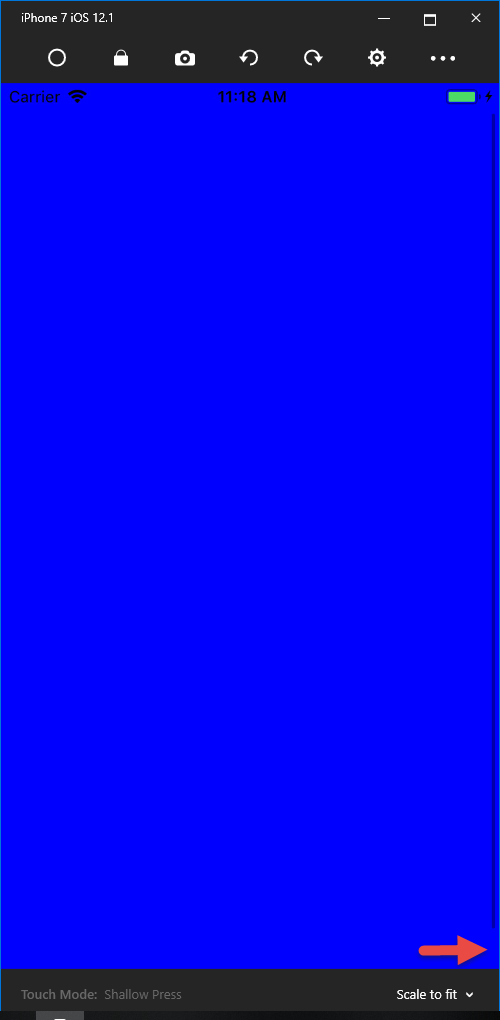
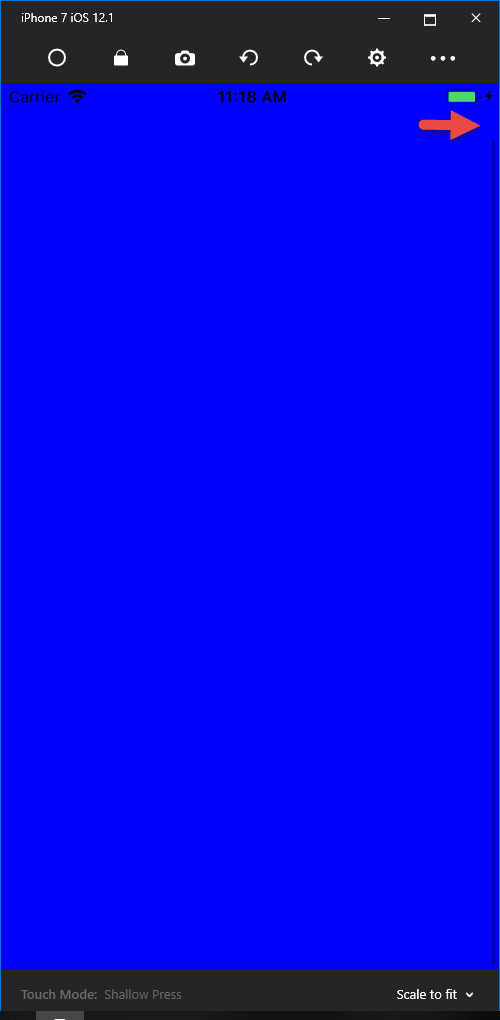
Sample: ScrollBarApp.zip