
Metriche repository
- Star
- (1981 star)
- Metriche merge PR
- (Merge medio 5h 41m) (2 PR mergiate in 30 g)
Descrizione
Describe the bug The Overseerr Theme does absolutely not look like whats on the website.
Theme Install Method (Don't skip)
- Docker run / Compose Config No. Useing Gitea under windows.
- Webserver subfilter Config None. Gitea gets forwarded to a port.
- Stylus Config ?
Application Info (Don't skip)
- Version 1.25.2 (gitea)
- Branch ?
- Container ?
- Logs none?
i just used the guide under here https://docs.theme-park.dev/themes/gitea/
To Reproduce Steps to reproduce the behavior: https://docs.gitea.com/administration/customizing-gitea?_highlight=tmpl#customizing-the-look-of-gitea Install Gitea Theme.
Expected behavior SHOULD look like this: https://docs.theme-park.dev/site_assets/gitea/overseerr.png Looks like this: Screenshot 1
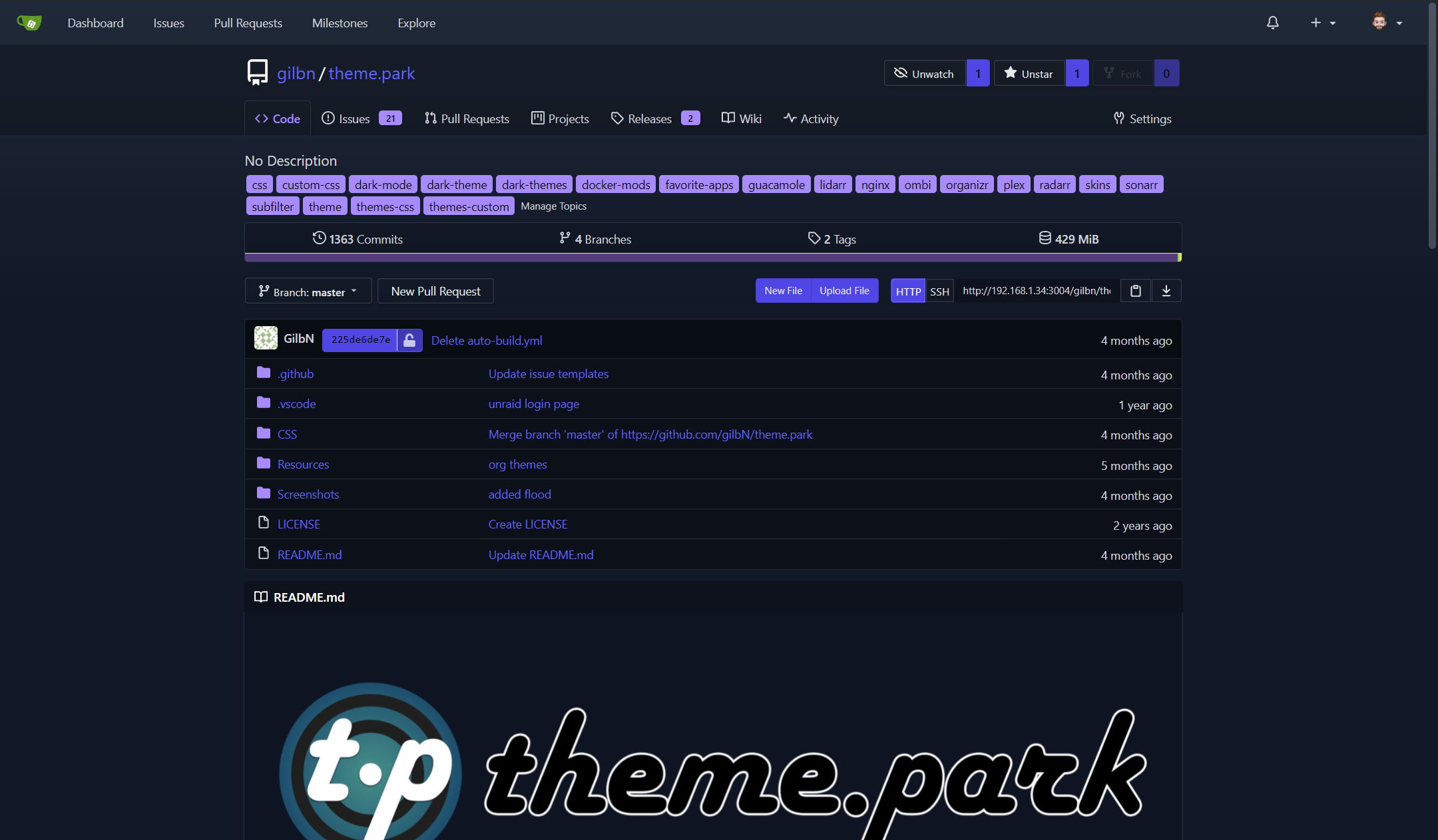
Screenshots see above
Desktop (If applicable) (please complete the following information):
- OS: Windows 11 Pro for Workstation
- Browser Chrome
- Version 143.0.7499.170
Additional context The theme doesnt look like whats in the screenshot on the website, i cleared my cache and tryed on diffent browsers MULTIPLE times. It looks nothing like whats on the website.
@import "https://theme-park.dev/css/base/gitea/overseerr.css";
:root {
  --is-dark-theme:true;
}