
WordPress/gutenberg
Vedi su GitHubPasting direct image URL inserts Embed block instead of Image block
Open
#74.734 aperta il 19 gen 2026
Good First Issue[Block] Embed[Feature] Paste[Status] In Progress[Type] Bug
Metriche repository
- Star
- (9607 star)
- Metriche merge PR
- (Merge medio 12g 18h) (509 PR mergiate in 30 g)
Descrizione
Description
When pasting a direct image URL into the WordPress/Gutenberg editor, the editor should insert the image (e.g., by creating an Image block). Instead, it attempts to treat the URL as embeddable content and inserts an Embed block.
Expected: Pasting a direct image URL (e.g., .jpg, .png, .gif, .webp) into the editor inserts the image (Image block) and displays it inline.
Actual: Pasting a direct image URL into the editor creates an Embed block / embed preview rather than inserting the image.
Step-by-step reproduction instructions
- Go to editor
- Try pasting a URL for an image (ex. https://www.birds.cornell.edu/home/wp-content/uploads/2023/09/334289821-Baltimore_Oriole-Matthew_Plante.jpg)
- Embed block is shown
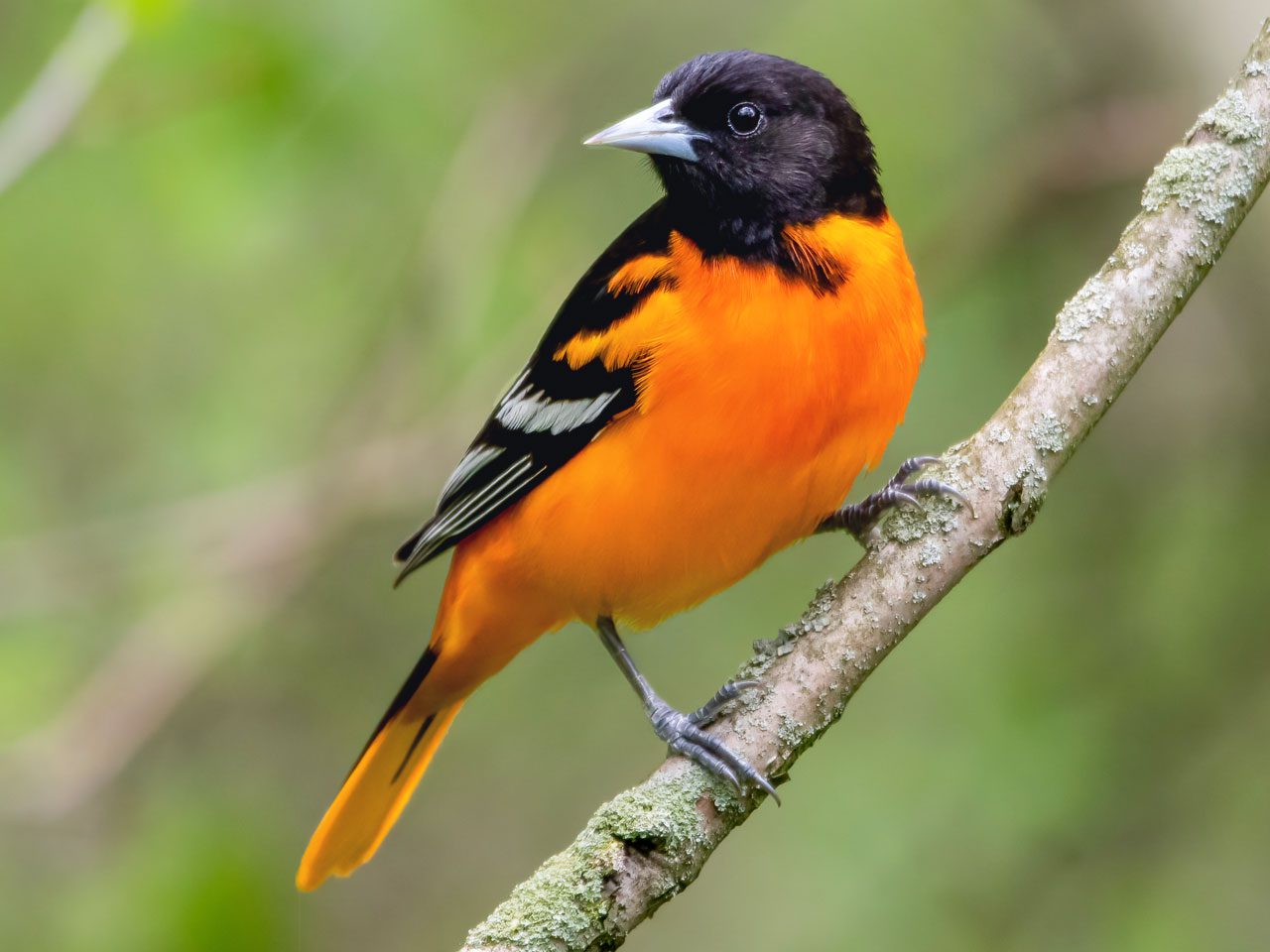
Screenshots, screen recording, code snippet
Environment info
- WordPress 6.9, Default Gutenberg, Twenty Twenty Five
- Chrome Version 143.0.7499.42 (Official Build) (arm64)
- Mac OS Sequoia 15.7.3
Please confirm that you have searched existing issues in the repo.
- Yes
Please confirm that you have tested with all plugins deactivated except Gutenberg.
- Yes
Please confirm which theme type you used for testing.
- Block
- Classic
- Hybrid (e.g. classic with theme.json)
- Not sure