microsoft/Terminal
Detect and disable settings that are disabled by an OS setting
Ouverte
#8 901 ouverte le 26 janv. 2021
Area-SettingsUIHelp WantedIssue-TaskProduct-Terminal
Métriques du dépôt
- Stars
- (103 173 étoiles)
- Métriques de merge PR
- (Merge moyen 27j 19h) (24 PRs mergées en 30 j)
Description
Description of the new feature/enhancement
There are a few app settings that end up getting ignored if the OS has certain settings:
- Appearance > Theme is ignored if the system is in HC mode
- Appearance > Disable pane animations is disabled if Windows disables all animations
- Profile > Appearance > Enable acrylic is ignored if the system is in HC mode, or the Disable transparency option is enabled
- from #12692:
While turning on Acrylic on the windows terminal if the windows setting Transparancy effects is not turned on (Windows Settings -> Customize -> Colors -> Transparancy effects) the acrylic effect will not take effect. Feedback about this feature should be given to the user while trying to turn acrylic on without this setting on.
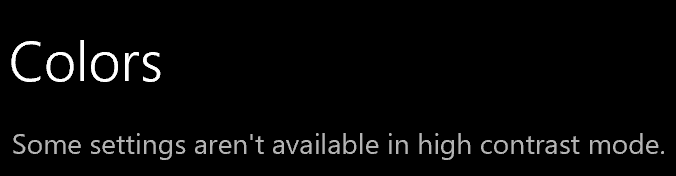
It’d be nice to have an indication when a setting is not going to do anything. For example, the OS Settings app has these: