help wantedxf:gis
Métriques du dépôt
- Stars
- (50 035 étoiles)
- Métriques de merge PR
- (Merge moyen 19j 10h) (105 PRs mergées en 30 j)
Description
System information:
- Operating system (distribution) and version: Windows 10 Pro
- DBeaver version: 7.0.3 (first noticed on 7.0.2)
- Additional extensions: N/A
Connection specification:
- Database name and version: Pg12, PostGIS 3.
SELECT version(), postgis_version();
Name           |Value                                                                                                   |
---------------|--------------------------------------------------------------------------------------------------------|
version        |PostgreSQL 12.2 on armv7l-unknown-linux-gnueabihf, compiled by gcc (Raspbian 8.3.0-6+rpi1) 8.3.0, 32-bit|
postgis_version|3.0 USE_GEOS=1 USE_PROJ=1 USE_STATS=1                                                                   |
-
Driver name Postgres JDBC
-
Do you use tunnels or proxies (SSH, SOCKS, etc)? No
Describe the problem you're observing:
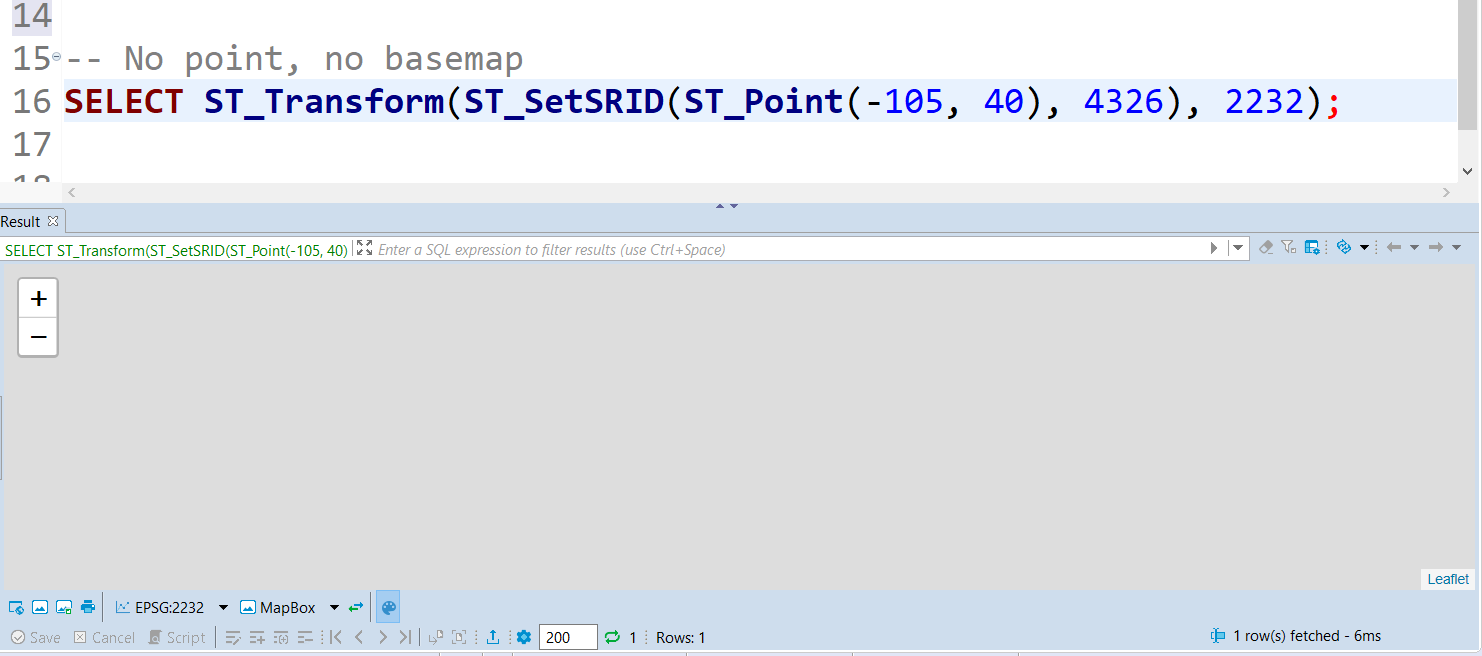
Points in SRID 2232 do not render the point or the base map. If the base map does not render that would be OK, but all I am presented with is a gray screen in the spatial tab, my points do not render at all. This occurs in both the spatial tab and the spatial display in the Value panel.
I first encountered the issue with 7.0.2. Upgraded to 7.0.3 and am still experiencing the issue.
Steps to reproduce, if exist:
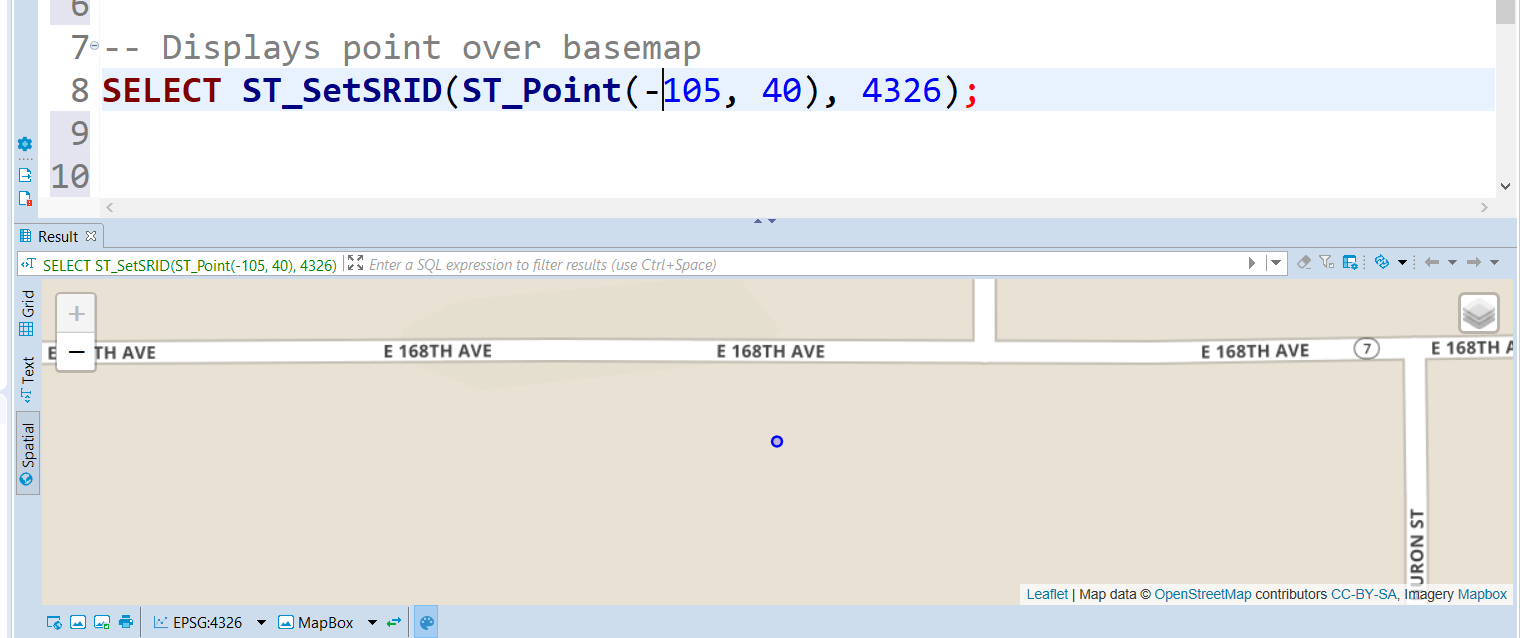
-- Displays point over basemap
SELECT ST_SetSRID(ST_Point(-105, 40), 4326);
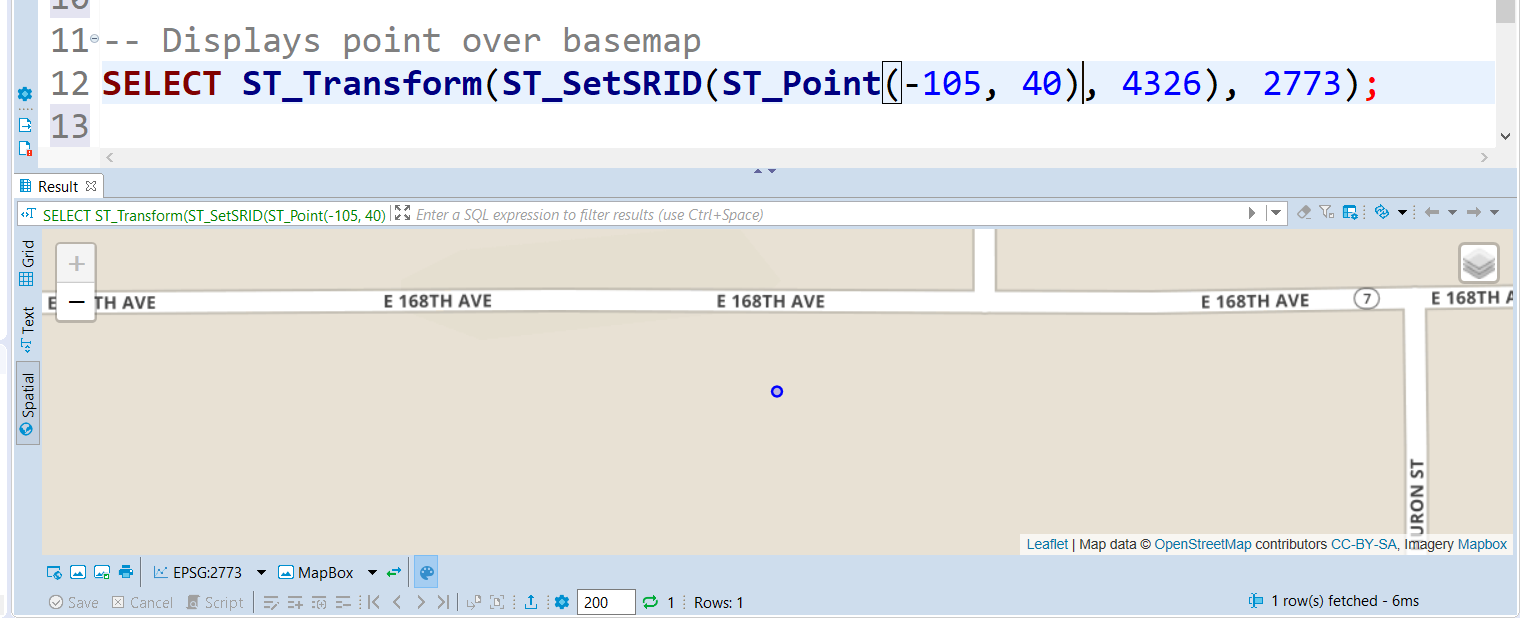
-- Displays point over basemap
SELECT ST_Transform(ST_SetSRID(ST_Point(-105, 40), 4326), 2773);
-- No point, no basemap
SELECT ST_Transform(ST_SetSRID(ST_Point(-105, 40), 4326), 2232);
Screenshots showing results of each of the three queries. First.
Second, also works.
Just a blank gray display.