
enhancementgood first issuehelp wantedstarter-task
Repository metrics
- Stars
- (17,072 stars)
- PR merge metrics
- (No merged PRs in 30d)
Description
Description
I followed this code example: https://github.com/facebook/fresco/tree/master/samples/showcase/src/main/java/com/facebook/fresco/samples/showcase/imageformat/svg
to implement SVGs in my Android app along with the help of AndroidSVG 1.3
I'm experiencing the following:
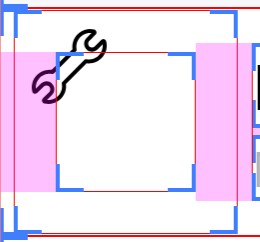
- The scaling of image in my DraweeViews are all messed up. The SVGs are either cut off on the left side or appear in the top left corner. I've tried multiple ScaleTypes.
- Using
getHierarchy().setActualImageScaleType
- Using
- Depending on the device the SVGs can either be big or small.
- Color filters aren't working for me on the SVGs. (
getHierarchy().setActualImageColorFilter) - On API 21 & 22, SVGs don't appear at all
This is how I initialize Fresco:
ImageFormat.FormatChecker svgFormatChecker = new FrescoSvgImageFormatChecker();
        ImageDecoder svgDecoder = new FrescoSvgDecoder();
        ImageDecoderConfig svgDecoderConfig = new ImageDecoderConfig.Builder()
                .addDecodingCapability(
                        FrescoSvgImageFormatChecker.Companion.getSvgFormat(),
                        svgFormatChecker,
                        svgDecoder)
                .build();

        ImagePipelineConfig config = ImagePipelineConfig.newBuilder(this)
                .setImageDecoderConfig(svgDecoderConfig)
                .setDownsampleEnabled(true)
                .build();

        DrawableFactory svgDrawableFactory = new FrescoSvgDrawableFactory();
        DraweeConfig draweeConfig = DraweeConfig.newBuilder()
                .addCustomDrawableFactory(svgDrawableFactory)
                .build();
- Fresco version: 1.7.1
- Platform version: Happens on every single device.