
Repository-Metriken
- Stars
- (103.173 Sterne)
- PR-Merge-Metriken
- (Durchschn. Merge 27T 19h) (24 gemergte PRs in 30 T)
Beschreibung
Option to Display Full Border in Split Panes
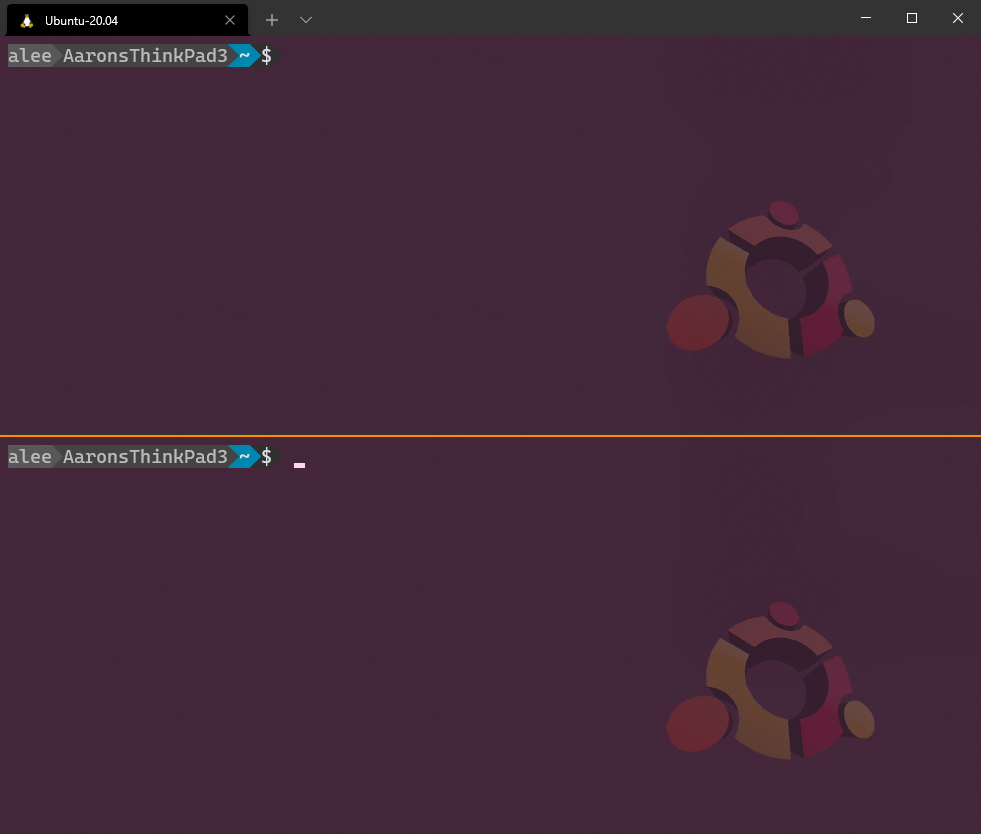
Having a highlighted border around the active pane is very useful. However, when using only two panes, the "border" is simply a highlighted line between them. At a glance, it is very difficult to tell which is the active one (if I can't readily see the cursor). I've often resorted to Alt-Left Alt-Right, or Alt-Up Alt-Down, a few times so the line wiggles a bit so I know which one I'm on. (Could also click, but I avoid the mouse).
Proposed technical implementation details (optional)
I think it would very useful and help improve productivity if the active border was a complete rectangle border around the whole active pane. Or at least, an option to toggle it like that. Even with more than just two panes, I still think it would visually help a lot to know which pane is active.
Thanks very much for working on Terminal! I think it's great and use it every day. 👍🏼