
conditional icons in row functionality breaks with pagination and Font Awesome 5 SVG
#6,742 opened on Jun 8, 2018
Repository metrics
- Stars
- (5,395 stars)
- PR merge metrics
- (PR metrics pending)
Description
I have a grid where I am using conditional icons in a row with fontawesome 5 SVG. Basically I have a layer with 2 icons. A file icon and a paperclip icon. If the record does not have a file attachment, it just shows the file attachment icon. If it does have a file it shows the file attachment icon with a paperclip icon over the top of it(using the transforms).
Here is the cell template for the column:
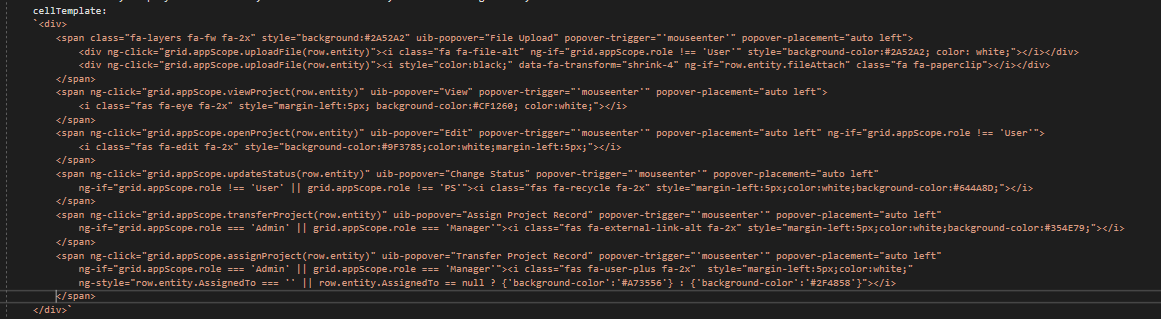
There are a few issues here.
It works fine on page 1 of the grid. The rows with files attached show up properly with the paperclip icon over them. However, when I page to other pages, the rows do not update. Whatever icon was on the first page now shows on the second page regardless of if there is a file attached or not. For example...if row 5 on the first page has a file attached and has the paperclip icon, when I go to page 2, row 5 on page 2 will have the same paperclip icon regardless if it has a file attached..same with page 3, page 4, etc... Likewise if row 5 on page does not have a file attached, then it will not show the paperclip icon on page of the same row, even if it does have a file attached.
If I refresh the rows on pagination, it DOES work, BUT now on page 2 for example, it will show the rows on page 2 that have files attached PLUS the rows from page 1 that have files attached. So it basically still shows them as having files attached even tho they don't. I will demonstrate below:
This shows what happens when I refresh rows on grid pagination:
Page 1: the 2 records with files attached correctly show paperclips.
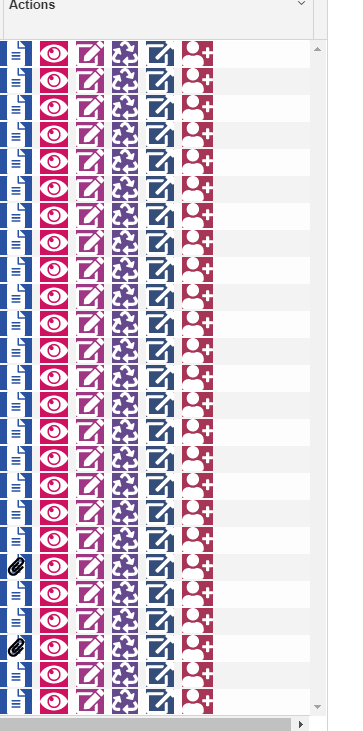
Page 2: Notice on page 2 how the rows from page 1 that had the file attach paperclip have it also(black circles), even tho the only row with an attached file on page 2 is the one I circled in red.
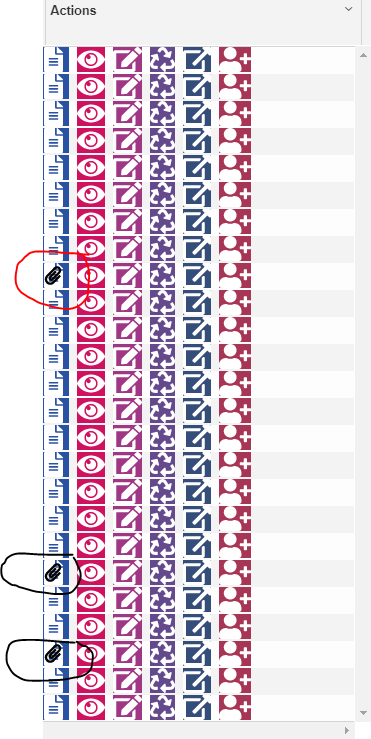
Upon going back to page 1, it now also shows the paperclip icon in the row that had it on page 2(circled in black) even tho on page 1, this row doesn't have a file attached. I circled the rows on page 1 that have files attached in red which are the same as the first pic. Also notice the paperclip icon is being drawn over again, so each time you page it draws a new icon on top of the old one.
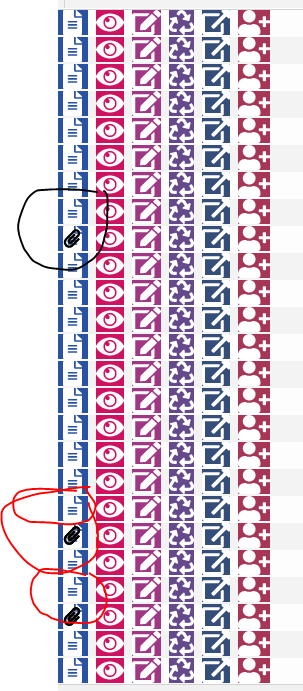
Now I will show what happens when I DON'T refresh rows on grid pagination.
Page 1: Note the same 2 rows have files attached as in the above pic 1
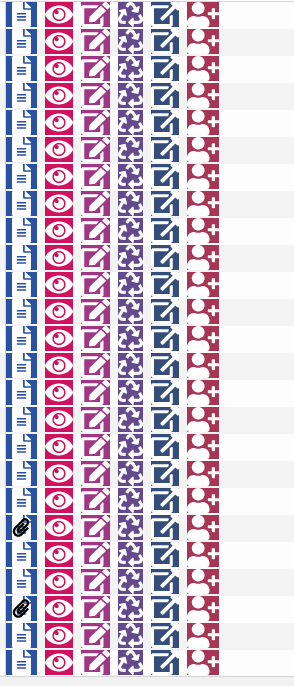
Page 2, 3, 4, etc...note that the rows all have exactly the same icons. In the above pic 2, you can see the row that had a file icon appearing with a paperclip(since it actually has a file attached) on Page 2 no longer has it and has the exact same icons as on page 1, regardless of if there is a file attached or not on that row. This happens on all pages...the icons for each row display exactly as they do for the matching rows on page 1.
I am not sure why this is happening, but this is a major problem...basically I need to disable pagination for it to work properly.