ZeroNet GUI is not Usable Without 3D Acceleration
#1,194 opened on Nov 27, 2017
Repository metrics
- Stars
- (18,770 stars)
- PR merge metrics
- (PR metrics pending)
Description
Environment:
- ZeroNet version: 0.6.0 (rev. 3146)
- Operating system: Raspbian & openSUSE Linux
- Web browser: Chromium (Google Chrome)
- Tor status: disabled
- Opened port: yes
The problem:
The 3D globe at the zite settings panel depends on 3D support(probably WebGL), but the WebGL, GPU support, is not available at all browsers and that makes the ZeroNet much less portable.
Steps to reproduce:
-
Open the ZeroNet GUI in some non-standard browser, like http://www.midori-browser.org/ or https://rekonq.kde.org/ or https://konqueror.org/
-
Try to open the zite settings panel by sliding the zero icon.
Observed Results:
Either the zite does not load at all or the zite loads, but the settings panel is empty, blank.
Wishes:
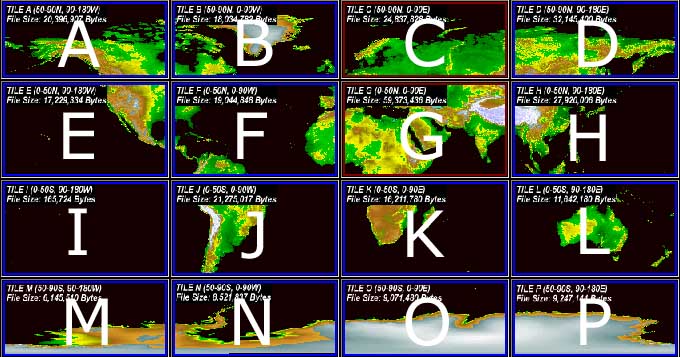
The JavaScript of the ZeroNet GUI should first check, whether 3D/GPU-s are supported and load the 3D Earth only, if the WebGL/GPU support is available. If the 3D acceleration is not available, the classical 2D "World map" with color-coded height might be used, the way geography related paper-books used to depict mountain range heights on maps.
http://vterrain.org/Elevation/NOAA_Globe_680.jpg (archival copy: https://archive.fo/QFJ6k )