Elements-qt shows some leftover space in the Overview page after sending assets
Nobody has claimed this yet.
Assessment
- Difficulty
- 3/5
- Estimated time
- 1-2 days
- Newbie friendliness
- 42/100
Research direction
Reproduce the issue in the Elements-qt Overview page by sending assets in their full amount and observing the Available list and Balances area before and after reopening the wallet. Compare the layout after each asset disappears; done means the leftover blank space is removed immediately without restarting the wallet.
Written by the indexing model from the issue text.
Description
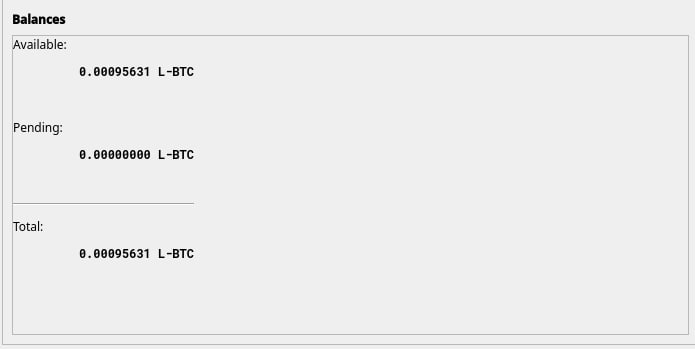
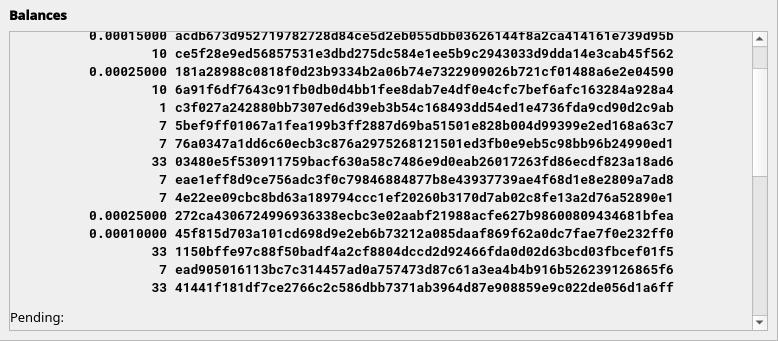
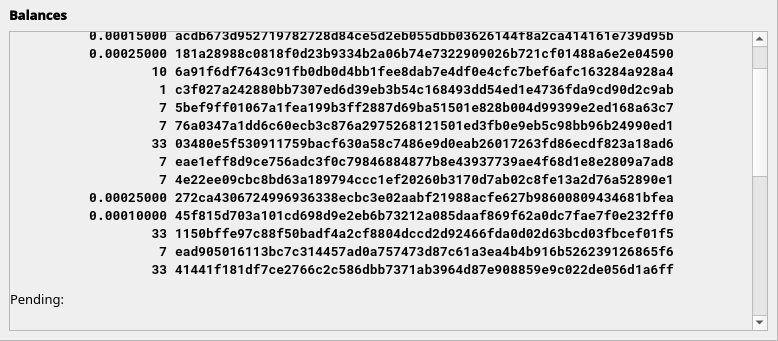
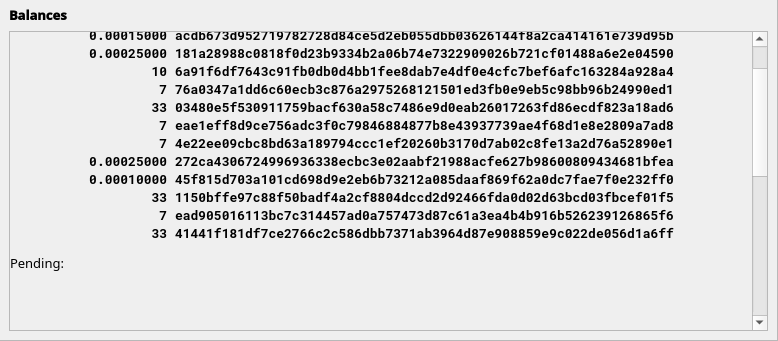
In the Overview page, after sending an asset in its full amount (I mean the value of remaining asset is 0) in which case it disappears from the "Available" list, it seems like the total space in Balances stays the same, leaving a big leftover blank space.
After closing and opening again the wallet it is shown correctly.
Tested on elements 0.21.0.2 and v22.0.0rc2
Example 1 (after having sent various assets in their full amount):
Before closing the wallet:
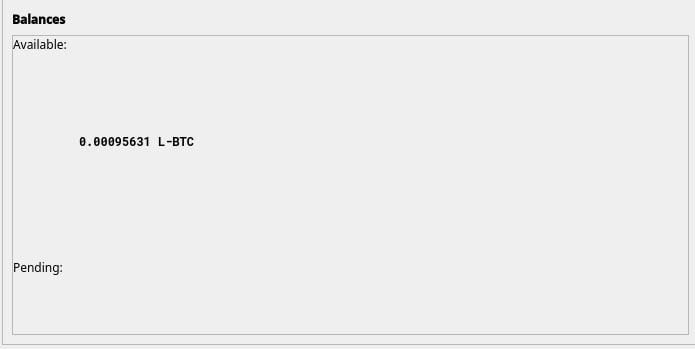
After reopening the wallet:
Example 2 (after sending 1 asset in its full amount at a time):
After having sent 1 asset:
After having sent 2 assets:
After having sent 3 assets:
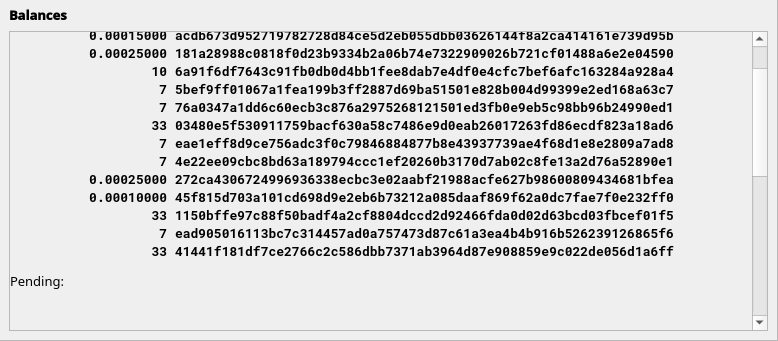
After having sent 4 assets:
- Dominant language
- C++
- Stars
- 1.2k
- Forks
- 418
- Avg merge
- 1d 23h
- Merged PRs (30d)
- 15
Contributor guide
First steps
- Read the whole issue, then the project's contributing guide.
- Comment on the issue to say you are picking it up — it saves two people doing the same work.
- Fork the repository and make your change on a branch.
- Open a pull request that references the issue number.
More from ElementsProject/elements
-
Difficulty 2/5 1-3 hours Newbie friendliness 58/100
ElementsProject/elements#1555 ·
-
Difficulty 5/5 Over a week Newbie friendliness 30/100
ElementsProject/elements#1521 ·
-
Difficulty 4/5 3-5 days Newbie friendliness 32/100
ElementsProject/elements#1516 · 5 comments ·
-
Difficulty 4/5 3-5 days Newbie friendliness 25/100
ElementsProject/elements#1502 · 1 comment ·
-
Difficulty 2/5 1-3 hours Newbie friendliness 38/100
ElementsProject/elements#1500 · 2 comments ·
All issues in ElementsProject/elements
Similar issues
-
Difficulty 1/5 Under an hour Newbie friendliness 90/100
AXERA-TECH/ax-llm#77 ·
-
Difficulty 1/5 Under an hour Newbie friendliness 90/100
games-on-whales/wolf#509 ·
-
Difficulty 2/5 1-3 hours Newbie friendliness 82/100
-
Difficulty 2/5 1-3 hours Newbie friendliness 74/100
-
bug-unconfirmed
Difficulty 2/5 1-3 hours Newbie friendliness 76/100