✨ macOS 26 Tahoe App Icon
Nobody has claimed this yet.
Assessment
- Difficulty
- 3/5
- Estimated time
- 1-2 days
- Newbie friendliness
- 48/100
Research direction
No specific file or test is named; start by locating CodeEdit's app icon asset and the configuration that packages it for macOS. Compare the current icon with the linked Apple guidance and the issue screenshots, then confirm the replacement uses a closed-square design and matches the intended Xcode-inspired direction.
Written by the indexing model from the issue text.
Description
Description
As of macOS 26 Tahoe, app icons are supposed to be closed squares, which will then be clipped by the system.
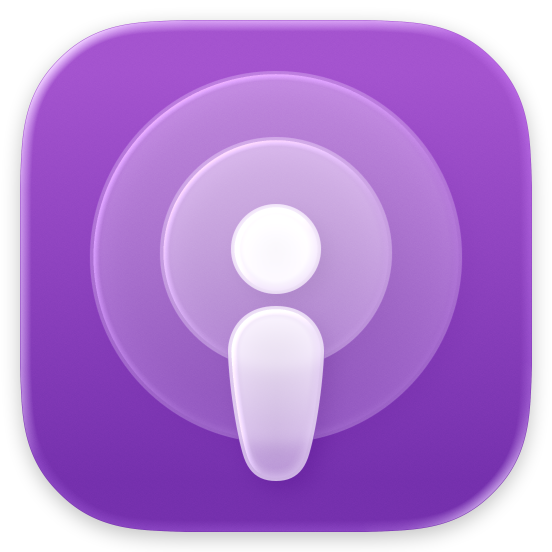
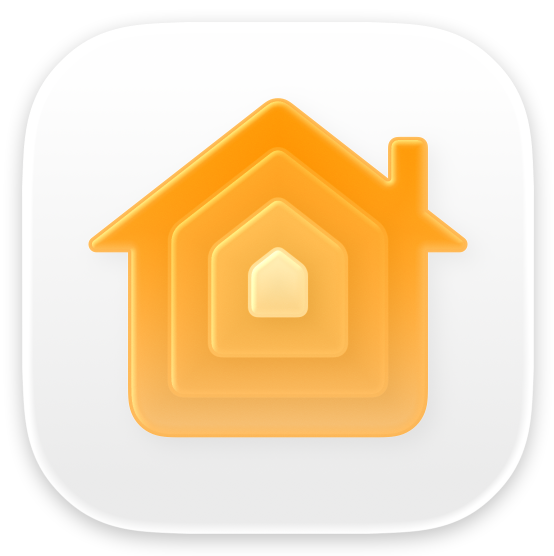
Opinions aside, CodeEdit looks really ugly in Squircle Jail.
Since CodeEdit's app icon is very similar to the icon used in Xcode 16, updating it for the upcoming design using inspiration from the new Xcode app icon would make sense.
Alternatives Considered
No response
Additional Context
No response
Screenshots
No response
- Dominant language
- Swift
- Stars
- 23k
- Forks
- 1.2k
- PR merge metrics
- No merged PRs in 30d
Contributor guide
First steps
- Read the whole issue, then the project's contributing guide.
- Comment on the issue to say you are picking it up — it saves two people doing the same work.
- Fork the repository and make your change on a branch.
- Open a pull request that references the issue number.
More from CodeEditApp/CodeEdit
-
Difficulty 2/5 1-3 hours Newbie friendliness 78/100
CodeEditApp/CodeEdit#2190 ·
-
Difficulty 1/5 Under an hour Newbie friendliness 15/100
CodeEditApp/CodeEdit#2195 · 7 reactions ·
-
enhancement
Difficulty 4/5 3-5 days Newbie friendliness 35/100
CodeEditApp/CodeEdit#2185 ·
-
Difficulty 5/5 Over a week Newbie friendliness 25/100
CodeEditApp/CodeEdit#2181 ·
-
creashes on starting Openbug
Difficulty 4/5 3-5 days Newbie friendliness 35/100
CodeEditApp/CodeEdit#2180 ·
All issues in CodeEditApp/CodeEdit
Similar issues
-
Difficulty 1/5 Under an hour Newbie friendliness 92/100
uttrflow/uttrflow-swift#1439 ·
-
Difficulty 2/5 1-3 hours Newbie friendliness 78/100
googleapis/google-cloud-swift#1151 ·
-
`--app` focus through the daemon can pick an off-screen window and refuse with `axElementNotFound` Openclawsweeper:fix-shape-clear clawsweeper:queueable-fix clawsweeper:source-repro impact:other issue-rating: 🦞 diamond lobster no-stale P1
Difficulty 2/5 1-3 hours Newbie friendliness 88/100
-
Difficulty 2/5 1-3 hours Newbie friendliness 78/100
-
code health
Difficulty 1/5 Under an hour Newbie friendliness 72/100
apple/coreai-models#288 ·